20 Essential Web Agency Tools to Recommend to Your Clients
Running a successful web agency in 2026 involves much more than designing attractive websites. Clients expect guidance on everything from SEO and analytics to marketing, customer communication, automation, and online payments. Recommending the right tools has become an important part of delivering successful digital projects.
Rather than suggesting software on an ad hoc basis, many agencies build a reliable technology stack that helps clients manage, market, and grow their businesses more effectively. The right combination of web agency tools helps clients manage their websites, automate routine tasks, improve marketing performance, and support business growth long after launch.
In this guide, we’ve selected 20 platforms that can help agencies expand their service offerings and recommend practical solutions for businesses of all sizes.
Website Platforms
MotoCMS – A Powerful Website Builder for Businesses That Want Simplicity and Flexibility
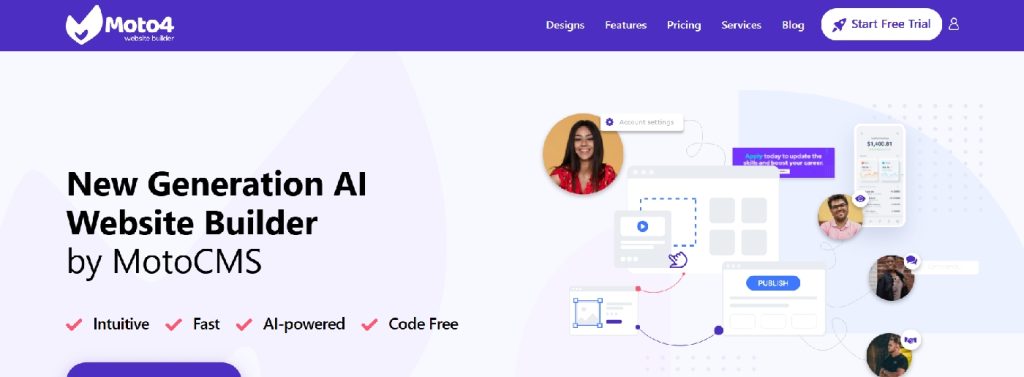
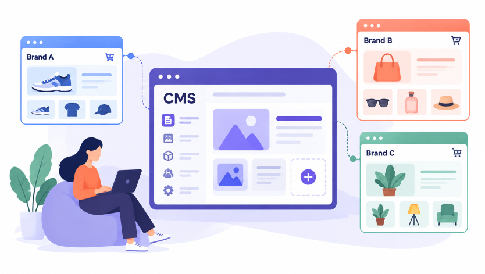
Many businesses don’t need a highly customized development framework—they need a website they can update confidently without relying on a developer for every change. MotoCMS is designed to give business owners control over everyday website management while providing agencies with the flexibility to build professional, responsive websites.
Its visual drag-and-drop editor makes it easy to edit content, upload images, publish blog posts, and manage pages through an intuitive interface. This shorter learning curve helps clients keep their websites up to date with minimal training while reducing the need for ongoing technical support.
For agencies, MotoCMS reduces time spent on routine content updates, allowing teams to focus on higher-value services such as SEO, digital strategy, and conversion optimization. With responsive templates, built-in blogging, eCommerce functionality, and SEO-friendly architecture, it provides a solid foundation for a wide range of business websites.
Best for
- Small businesses
- Local businesses
- Service providers
- Professional portfolios
- Restaurants
- Healthcare clinics
- Educational institutions
Webflow – Professional Websites With Greater Creative Freedom
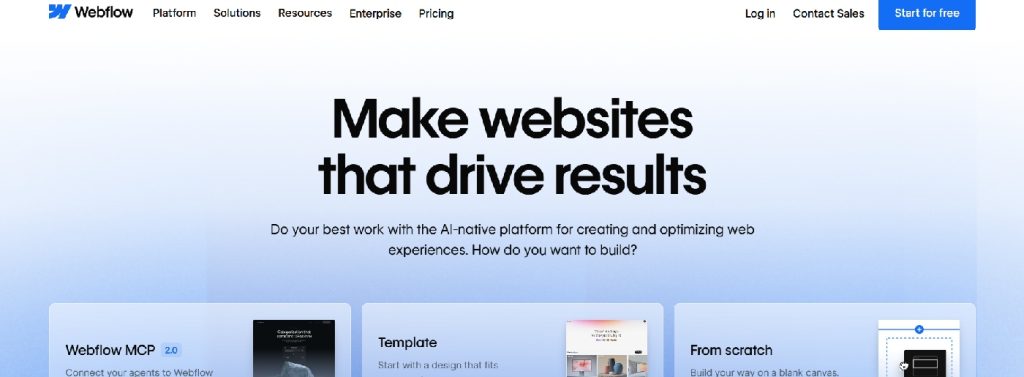
Not every website project has the same requirements. While many businesses prioritize ease of content management, others need highly customized layouts, advanced animations, and interactive experiences that help differentiate their brand.
Webflow has become a popular choice for agencies building marketing websites, SaaS platforms, and premium digital experiences. Its visual development environment allows designers to create sophisticated, responsive websites while generating production-ready code, reducing the need to translate static mockups into finished pages.
For agencies, this often means a more efficient workflow. Designers and developers can collaborate within the same platform, helping projects move from concept to launch with fewer revisions and less back-and-forth.
Ideal for
- Startup websites
- SaaS companies
- Marketing websites
- Portfolio sites
- Premium brand websites
Creative Production & Design
Superside – Scaling Creative Production Without Hiring an In-House Design Team
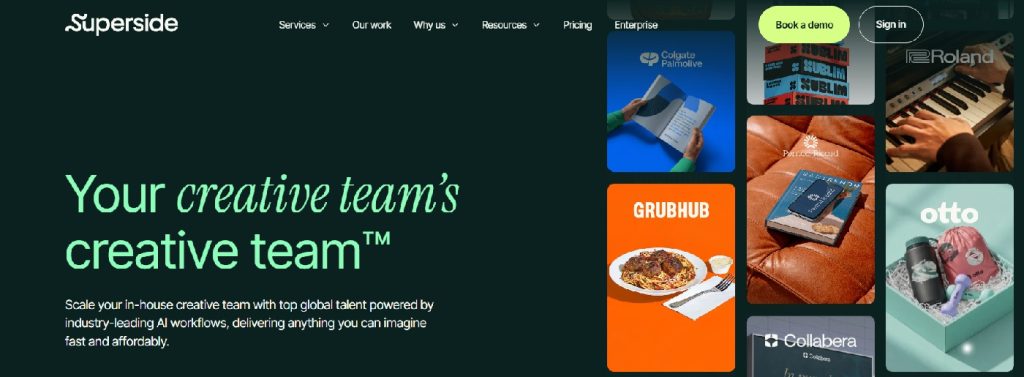
One of the biggest challenges agencies face isn’t building websites—it’s consistently delivering high-quality creative assets after the website goes live. Clients eventually need landing pages, banner ads, social media graphics, presentations, email visuals, illustrations, infographics, and campaign creatives. Maintaining an internal design team capable of handling every request can become expensive and difficult to scale.
Superside solves this problem by providing businesses with access to an experienced global creative team through a subscription-based model. Rather than functioning as another design tool, it operates as a creative services platform that supports agencies and brands with ongoing design production across multiple disciplines.
This approach is especially valuable for growing agencies. Instead of turning down projects due to limited design bandwidth or hiring additional full-time designers during busy periods, agencies can rely on external design services that integrate into their workflow. This allows them to deliver consistent, high-quality creative work while maintaining predictable turnaround times.
Beyond graphic design, Superside supports motion graphics, branding, presentation design, advertising creatives, illustrations, social media content, and UI/UX design. Having access to this level of creative expertise enables agencies to offer broader services without significantly increasing operational complexity.
Best for
- Marketing agencies
- Web design agencies
- SaaS companies
- Enterprise brands
- Growing startups
- Creative teams with fluctuating workloads
Why agencies recommend Superside
- Scalable creative production
- Access to experienced designers
- Faster turnaround times
- Consistent brand quality
- Supports multiple creative disciplines
- Cost-effective alternative to expanding internal teams
Superads – Helping Agencies Build Smarter Creative Campaigns
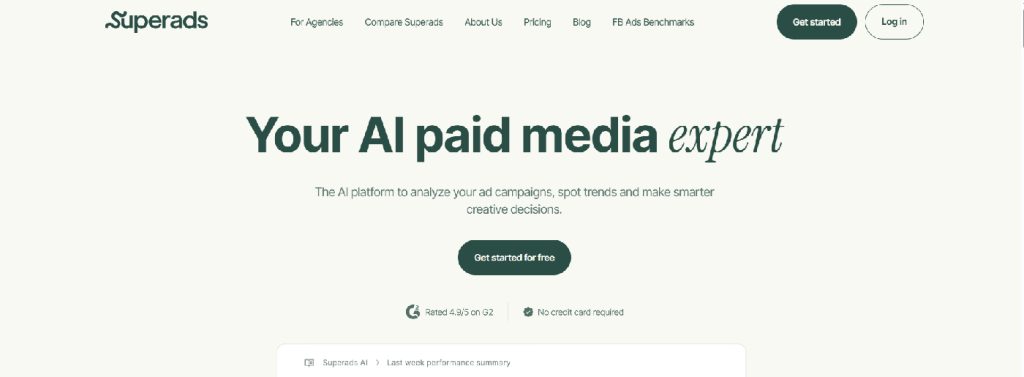
Building a beautiful website is only half the equation. Clients also need qualified traffic, effective advertising, and creative campaigns that convert visitors into customers. This is where many agencies struggle. They may excel at web design but lack a structured process for developing high-performing ad creatives and campaign strategies.
Superads addresses this challenge by helping agencies improve creative decision-making before campaigns go live. Instead of relying solely on intuition, creative teams can evaluate advertising concepts, identify patterns, and make data-informed decisions that improve campaign performance.
Modern agencies increasingly explore AI-powered tools for creative strategists to strengthen campaign planning, creative testing, and advertising workflows. Platforms like Superads help bridge the gap between design and performance by giving teams better visibility into what creative approaches are likely to resonate with audiences.
This is particularly valuable for agencies managing multiple client accounts. Rather than reinventing creative processes for every campaign, teams can build repeatable workflows that improve consistency while reducing production time. Better strategy often leads to stronger creative, more effective advertising, and improved return on marketing investment.
Best for
- Digital marketing agencies
- Creative agencies
- Performance marketing teams
- Social media agencies
- Brands running paid advertising campaigns
Why agencies recommend Superads
- AI-assisted creative strategy
- Better campaign planning
- Creative performance insights
- Faster decision-making
- Improved advertising workflows
- Supports scalable campaign execution
Figma – Streamlining Collaborative Design Workflows
Modern website projects involve far more than designers working in isolation. Developers, copywriters, marketers, and clients often contribute throughout the design process, making efficient collaboration essential for keeping projects on schedule.
Figma has become a leading platform for collaborative interface design by allowing multiple stakeholders to work within the same file in real time. Teams can create wireframes, high-fidelity mockups, interactive prototypes, and design systems, while developers inspect components and clients provide feedback directly on the designs. This shared workspace reduces version-control issues and helps streamline approvals.
Reusable components and shared design libraries also make it easier to maintain consistency across multiple client projects. Rather than recreating common UI elements for every website, agencies can build scalable design systems that speed up production and simplify onboarding for new team members.
Common use cases
- Designing website interfaces
- Creating interactive prototypes
- Building reusable design systems
- Collecting client feedback
- Collaborating with developers
Canva – Empowering Clients to Manage Everyday Creative Tasks
After a website goes live, businesses continue creating marketing materials such as social media graphics, event announcements, promotional banners, and simple print collateral. Relying on an agency for every small design update can slow turnaround times and increase project costs.
Canva gives non-designers an accessible way to create and edit branded content through an intuitive drag-and-drop interface and a large library of customizable templates. Agencies can prepare branded templates with predefined fonts, colors, and visual elements, allowing clients to produce everyday marketing assets while maintaining a consistent brand identity.
Rather than replacing professional design services, Canva complements them. Agencies can focus on high-value work such as branding, website design, and advertising campaigns, while clients handle routine content updates independently.
Common use cases
- Social media graphics
- Promotional materials
- Event announcements
- Branded templates
- Internal marketing assets
Marketing & Growth
HubSpot – Connecting Websites With Sales and Marketing

A business website should do more than showcase products or services—it should help attract leads, nurture prospects, and support long-term customer relationships. That’s where HubSpot fits into a modern agency technology stack, combining CRM, marketing, sales, and customer service tools within a single platform.
With HubSpot, businesses can track visitor interactions, automate email campaigns, qualify leads, manage sales pipelines, and measure marketing performance without relying on multiple disconnected systems. This centralized approach gives teams better visibility into the customer journey, from the first website visit to conversion.
For agencies, HubSpot also creates opportunities to extend client relationships beyond the initial website launch. Services such as CRM setup, marketing automation, lead nurturing, reporting, and inbound marketing can become part of an ongoing growth strategy rather than one-time project deliverables.
Key capabilities
- CRM and contact management
- Marketing automation
- Email campaigns
- Lead scoring and nurturing
- Sales pipeline management
- Performance reporting
Ahrefs – Helping Clients Build Long-Term Organic Visibility
Launching a website is only the first step. To attract consistent, high-quality traffic, businesses need a well-planned SEO strategy that helps potential customers discover their content through search engines.
Ahrefs provides agencies with the data needed to make informed optimization decisions. From keyword research and competitor analysis to technical audits and backlink monitoring, the platform helps identify opportunities to improve search visibility based on real data rather than assumptions.
Its value extends throughout the entire website lifecycle. During the planning phase, agencies can research competitors, identify keyword opportunities, and shape a content strategy. After launch, Ahrefs supports ongoing optimization by tracking rankings, monitoring backlinks, auditing website health, and uncovering new opportunities for organic growth. These insights also make it easier to demonstrate measurable SEO progress in regular client reports.
Key capabilities
- Keyword research
- Competitor analysis
- Technical SEO audits
- Backlink monitoring
- Content gap analysis
- Rank tracking
Brevo – Affordable Marketing Automation for Growing Businesses
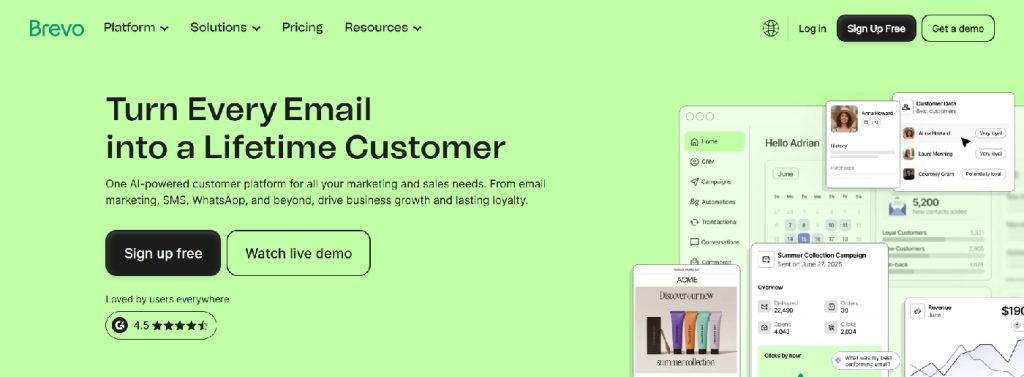
Not every business needs complex enterprise marketing web agency tools. For many small and medium-sized companies, the priority is finding a solution that combines essential marketing tools with an easy learning curve and room to grow.
Brevo brings together email marketing, SMS campaigns, CRM features, transactional emails, and automation workflows within a single platform. Agencies can use it to create welcome sequences, abandoned cart reminders, lead nurturing campaigns, and promotional emails without adding unnecessary complexity to their clients’ marketing stack.
As businesses expand, Brevo can scale alongside them. Clients can start with basic email campaigns and gradually introduce more advanced automation, making it a practical long-term solution for growing organizations.
Common use cases
- Email marketing campaigns
- Marketing automation workflows
- Customer relationship management (CRM)
- SMS marketing
- Transactional emails
Web Agency Tools for Analytics & Optimization
Hotjar – Understanding How Visitors Actually Use a Website
Website analytics can show what visitors do, but they don’t always explain why users abandon a page or fail to complete a conversion. To improve user experience, agencies often need a clearer picture of how people actually interact with a website.
Hotjar web agency tools complement traditional analytics by visualizing user behavior through heatmaps, session recordings, and on-site feedback tools. These insights help agencies identify usability issues, discover friction points in the customer journey, and make data-informed improvements instead of relying on assumptions.
Behavioral insights are particularly valuable during website redesigns and conversion optimization projects. Even small adjustments—such as improving navigation, repositioning calls to action, or simplifying mobile layouts—can lead to better engagement and higher conversion rates when supported by real user behavior.
Key insights
- Heatmaps
- Session recordings
- User feedback polls
- Conversion insights
- Visitor behavior analysis
Google Analytics 4 – Measuring What Really Matters
Understanding how visitors interact with a website is essential for making informed business decisions. Without reliable analytics, it’s difficult to evaluate marketing efforts, identify growth opportunities, or measure the impact of ongoing optimization.
Google Analytics 4 (GA4) has become the industry standard for tracking website performance. By focusing on events and user journeys rather than simple pageviews, it provides deeper insights into how visitors engage with websites and mobile applications across multiple touchpoints.
These insights help businesses answer important questions about their digital performance. Which marketing channels drive the most valuable traffic? Which landing pages generate the highest conversions? Where do users drop off during the customer journey? By interpreting this data, agencies can make evidence-based recommendations that improve both user experience and business results.
Key capabilities
- Advanced event tracking
- Cross-device analytics
- Audience insights
- Conversion measurement
- Marketing attribution
Microsoft Clarity – Free Behavioral Analytics That Complements GA4
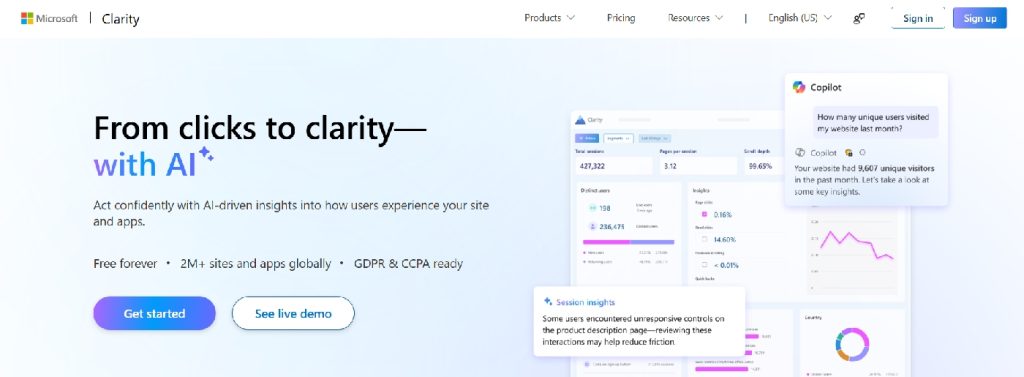
Understanding website performance requires more than traffic reports and conversion metrics. To improve user experience, agencies also need to see how visitors interact with individual pages and where they encounter friction.
Microsoft Clarity complements traditional analytics with visual tools such as heatmaps and session recordings. These features help identify click patterns, excessive scrolling, navigation issues, and other usability challenges that may not be apparent from analytics reports alone.
One of Clarity’s biggest advantages is that it’s free and easy to implement, making it accessible for businesses of all sizes. When used alongside Google Analytics 4, it provides a more complete picture of website performance by showing not only where problems occur but also how users experience them. Together, these insights support more informed UX improvements and conversion optimization efforts.
Key capabilities
- Free heatmaps
- Session recordings
- Easy implementation
- UX insights
- Conversion optimization support
Automation & Productivity
Zapier – Connecting the Entire Client Technology Stack
Most businesses rely on multiple software web agency tools to manage sales, marketing, customer support, and daily operations. Without automation, employees often spend valuable time manually transferring information between these systems, increasing the risk of delays and errors.
Zapier connects thousands of applications through no-code automation, allowing businesses to streamline repetitive tasks. Agencies can build workflows that automatically send website form submissions to a CRM, trigger welcome emails, notify sales teams, generate invoices, or update project management tools—all without manual intervention.
For agencies, Zapier creates opportunities to deliver more than website development. Automation consulting can become an ongoing service, helping clients improve operational efficiency, reduce repetitive work, and connect the tools they already use into a more seamless digital ecosystem. Automation also supports more efficient lead generation by connecting website forms with CRM and marketing tools.
As businesses continue adopting more specialized software, workflow automation becomes increasingly valuable. Integrating web agency tools with Zapier helps improve response times, increase productivity, and create smoother experiences for both teams and customers.
Common automation workflows
- Website forms to CRM
- Email marketing automation
- Sales notifications
- Project management updates
- Invoice generation
- Cross-platform integrations
Notion – Keeping Projects, Documentation, and Clients Organized
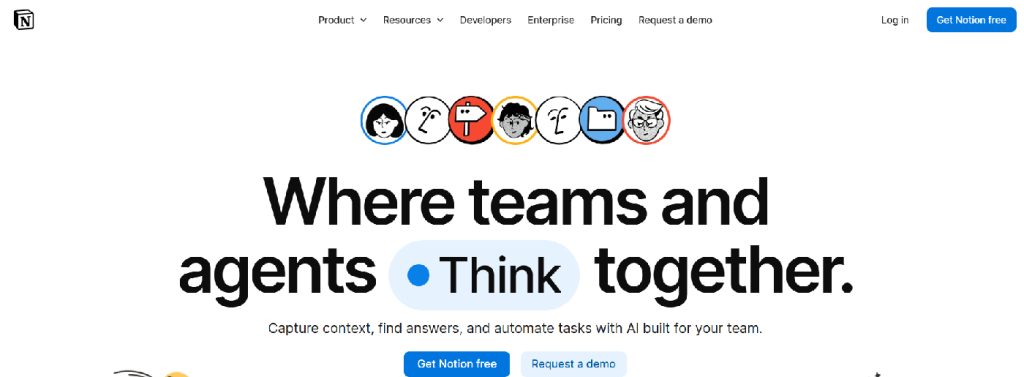
As agencies take on more clients, keeping documentation, project information, and internal processes organized becomes increasingly challenging. Project briefs, SEO checklists, content calendars, meeting notes, and client feedback can quickly become scattered across multiple tools, making collaboration less efficient.
Notion brings these resources together in a centralized workspace where teams can manage projects, build knowledge bases, document workflows, and collaborate on content from a single platform. This unified approach helps reduce information silos and keeps everyone aligned throughout the project lifecycle.
Notion can also improve the client experience. Agencies can create dedicated workspaces with project timelines, deliverables, meeting notes, onboarding materials, and launch checklists, giving clients greater visibility into project progress while reducing communication gaps.
Common use cases
- Project documentation
- Internal knowledge bases
- Client portals
- Content planning
- Team collaboration
Loom – Making Client Communication More Efficient
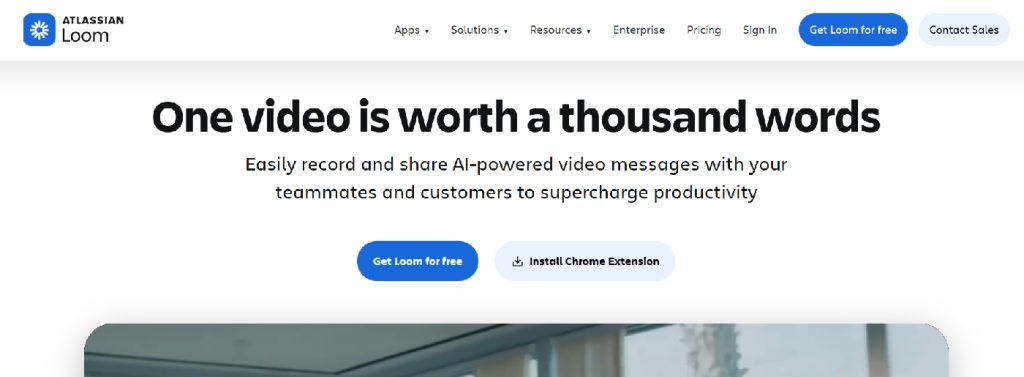
Clear communication is essential to keeping website projects on track, especially when explaining technical updates, CMS features, SEO recommendations, or design revisions. In many cases, a short video is easier to understand than a lengthy email or written instructions.
Loom allows agencies to record quick screen-sharing videos that walk clients through website updates, demonstrate CMS functionality, or provide visual feedback on ongoing projects. These recordings can be shared instantly, giving clients the flexibility to review information whenever it’s convenient.
Beyond client communication, Loom is also useful for onboarding new team members, documenting internal processes, and creating reusable training materials. By replacing repetitive meetings and lengthy email threads with concise video walkthroughs, agencies can save time while improving collaboration.
Common use cases
- Client walkthroughs
- Website and CMS training
- Project feedback
- Internal documentation
- Team onboarding
Calendly – Removing Friction From Scheduling
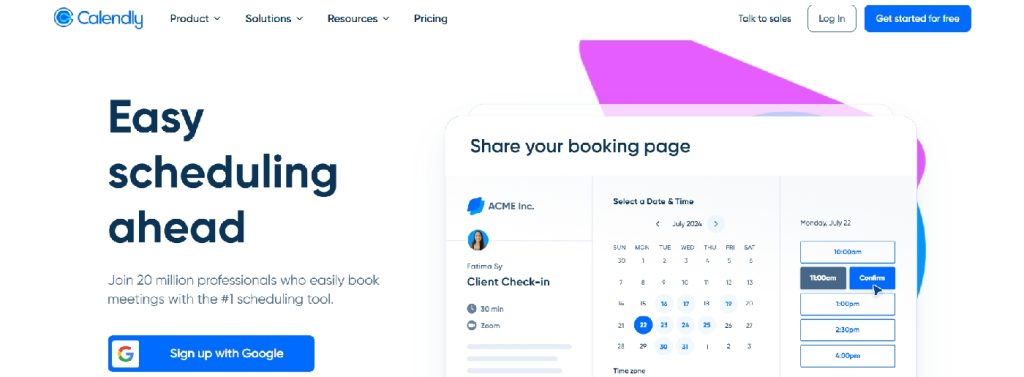
Coordinating meetings through email can become surprisingly time-consuming, especially for agencies managing multiple clients and ongoing projects. Automating the scheduling process helps reduce administrative work while creating a more convenient experience for both teams and clients.
Calendly allows clients to book available meeting times directly through an agency’s calendar. Appointment confirmations, reminders, and calendar synchronization happen automatically, minimizing scheduling conflicts and reducing missed meetings.
Whether it’s a discovery call, project kickoff, consultation, or support session, Calendly helps agencies spend less time coordinating schedules and more time delivering value. It’s a simple tool that can significantly improve day-to-day workflow efficiency.
Common use cases
- Discovery calls
- Client onboarding
- Consultation bookings
- Sales meetings
- Support sessions
Customer Experience & Business Operations
Stripe – Simplifying Online Payments
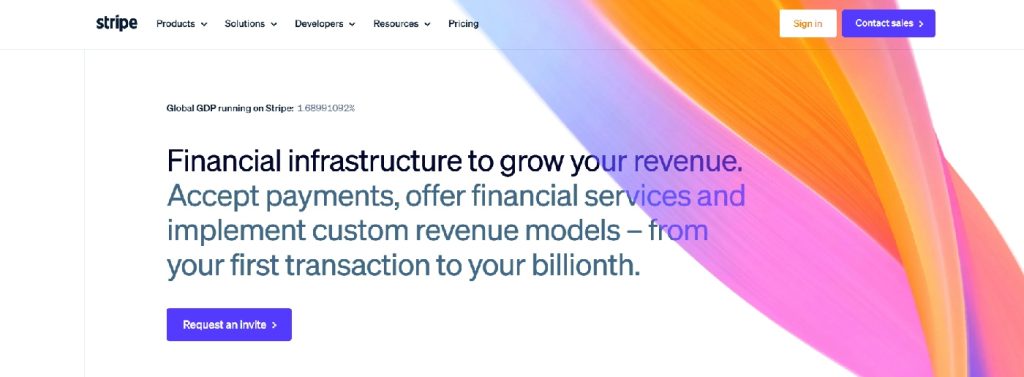
As businesses grow, many expand beyond lead generation to sell products, services, subscriptions, or digital downloads online. Choosing a reliable payment platform is an essential step in building a seamless and trustworthy customer experience.
Stripe provides secure payment processing with support for credit cards, digital wallets, recurring billing, and international transactions. Its flexible infrastructure makes it suitable for a wide range of online business models while helping deliver a smooth checkout experience.
For agencies, Stripe integrates with many popular CMS platforms and third-party applications, making it a practical choice for eCommerce websites, SaaS products, membership websites, and online booking systems. Its scalability also allows businesses to grow without replacing their payment infrastructure.
Common use cases
- eCommerce stores
- Subscription services
- Digital products
- Online booking systems
- International payments
Intercom – Improving Customer Communication
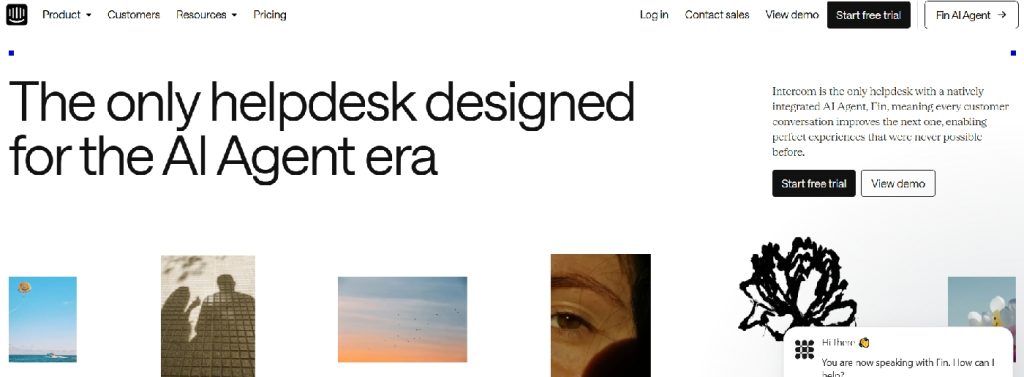
A website shouldn’t just generate traffic—it should also make it easy for visitors to ask questions, get support, and engage with a business. Fast, accessible communication has become an important part of delivering a positive customer experience.
Intercom helps businesses connect with website visitors through live chat, automated messaging, knowledge bases, and AI-powered customer support. By engaging users while they’re actively browsing, businesses can answer questions more quickly, guide potential customers through the buying journey, and provide timely assistance without relying solely on contact forms.
For agencies, Intercom is a valuable addition to websites that prioritize customer engagement and ongoing support. Whether used for SaaS platforms, online services, or growing businesses, it helps improve response times, increase customer satisfaction, and create stronger long-term relationships.
Key capabilities
- Live chat
- Automated customer messaging
- AI-powered assistance
- Knowledge base
- Customer engagement tools
Cloudflare – Improving Website Performance and Security
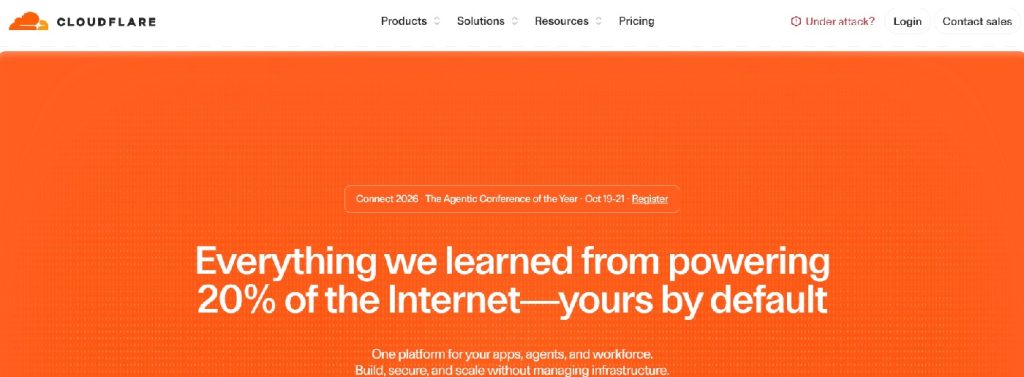
Website performance and security play a critical role in the success of any online business. Slow loading times can increase bounce rates and reduce conversions, while security threats such as malicious traffic and DDoS attacks can affect both website availability and customer trust.
Cloudflare helps businesses improve speed and reliability through its global content delivery network (CDN), performance optimization tools, and built-in security features. By distributing website content across a worldwide network of servers, it reduces loading times for visitors regardless of their location.
Beyond performance, Cloudflare adds multiple layers of protection against common online threats without requiring complex server configurations. For agencies, it’s an easy way to enhance website reliability, strengthen security, and improve the overall user experience from the moment a site goes live.
Key capabilities<
- Global CDN
- Performance optimization
- DDoS protection
- SSL management
- Website security
Typeform – Creating More Engaging Forms
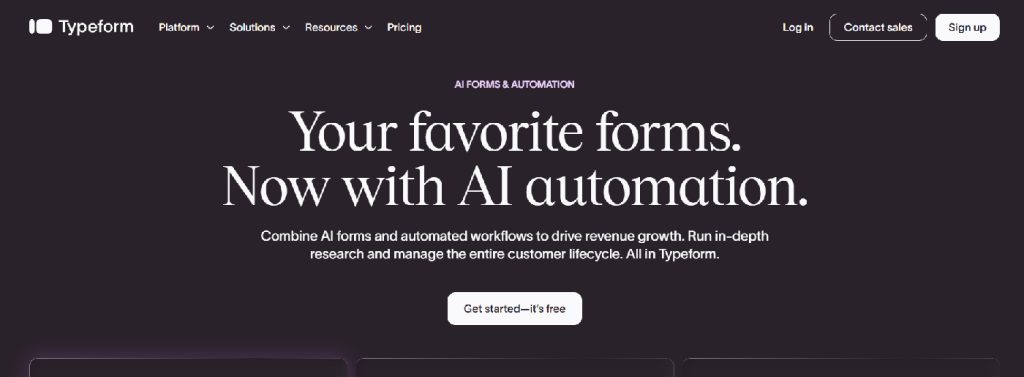
Online forms are essential for capturing leads, collecting customer feedback, registering event attendees, and onboarding new clients. However, long, traditional forms can discourage users from completing them, reducing valuable conversions.
Typeform offers a more interactive approach by displaying one question at a time in a conversational format. This streamlined experience feels less overwhelming for users and can improve completion rates while making interactions more engaging.
For agencies, Typeform works well across a variety of website projects, from lead qualification and contact forms to customer surveys and onboarding workflows. It also integrates with web agency tools like Zapier, allowing submitted responses to flow automatically into CRM systems, email marketing tools, or project management software.
Common use cases
- Lead generation
- Customer surveys
- Client onboarding
- Event registrations
- Market research
How Agencies Should Choose the Right Platform Stack
Every client has different goals, so there isn’t a universal set of tools that works for every project. Instead of recommending software based on popularity, agencies should consider factors such as business size, budget, industry, and long-term plans.
A practical approach is to build a platform stack in layers. Start with a reliable website platform, then add tools for marketing, analytics, customer communication, automation, and business operations as needed. Choosing solutions that integrate well with one another creates a smoother workflow for both the agency and the client.
Final Thoughts
Modern web agencies do much more than build websites. They help businesses choose the right tools, improve online performance, and create efficient digital workflows.
The web agency tools featured in this guide each solve a different challenge, whether it’s website creation, SEO, collaboration, analytics, customer communication, or automation. The best results come from selecting the right combination of tools based on each client’s needs rather than following a one-size-fits-all approach.
By making thoughtful technology recommendations, agencies can deliver more value, strengthen client relationships, and create opportunities for ongoing services such as SEO, analytics, and website maintenance long after a website goes live.
Frequently Asked Questions
- What platforms should every web agency recommend to clients?
There’s no universal platform stack for every project. Most agencies combine a website builder with tools for SEO, analytics, marketing, customer communication, and automation based on each client’s business goals and budget.
- How do agencies choose the right web agency tools for a client?
The best recommendations depend on factors such as industry, company size, technical requirements, budget, and future growth plans. Agencies should focus on solving business challenges rather than recommending the latest or most popular software.
- Should small businesses invest in multiple platforms from the beginning?
Not always. Many small businesses can start with a website platform, analytics, and a few essential marketing tools. Additional solutions can be introduced as the business grows and its needs become more complex.
- Is it better to use one all-in-one platform or multiple specialized tools?
It depends on the project. While all-in-one platforms simplify management, specialized tools often provide more flexibility and advanced features. Many agencies combine several web agency tools to create a solution tailored to the client’s needs.
- How often should agencies review their recommended technology stack?
It’s a good idea to review your preferred web agency tools once or twice a year. Regular evaluations help ensure you’re recommending secure, well-supported tools that continue to meet evolving client requirements.



Leave a Reply