Leading CMS Platforms for Multi-Brand Retail and eCommerce Groups
For large eCommerce organizations, a basic online store is no longer enough to support global growth. As businesses expand across brands/markets, their digital infrastructure has to handle more than transactions. They start dealing with different content, customer journeys, regional requirements, and even specific complex integrations.
The CMS sits at the center of that infrastructure. It gives teams a central way to manage content and commerce across their storefronts. A well-structured CMS reduces the complexity of expansion by helping teams reuse content, coordinate regional updates, and avoid duplicating work across markets.
In this guide, let’s look at some of the leading enterprise CMS platforms for eCommerce in 2026 and see what each one has to offer. We’ll compare their technical and strategic capabilities, from managing content and product information to supporting customer interactions as businesses grow and enter new markets.
What Should Multi-Brand eCommerce Businesses Look for in a CMS?
Some businesses operate several brands under one parent company. Others may run the same brand across multiple countries. Some organizations may even manage separate B2C, B2B, wholesale, and regional storefronts. A suitable CMS should be able to support the multi-level structure already in place. And leave enough flexibility for the business to grow!
The core requirements are similar across multi-brand and multi-market businesses, although priorities vary depending on the organization’s structure. When evaluating a platform, it’s worth looking at how well it handles the following areas:
Multi-site and multi-brand content management
Meaning how the CMS handles content across brands and markets. For example, a retail group might have a global product campaign that applies to all brands. At the same time, it needs localized headlines, images, offers, CTAs (for each market). A CMS should allow local teams to reuse the common content and make their own changes. The same rule applies to standardized brand assets. These may include product descriptions, campaign components, buying guides, FAQs.
Localization and multiple markets
International commerce involves more than translation. When entering a new market, a company may need to account for local currencies, regional product availability, market-specific legal requirements, and different customer expectations. A CMS should support multiple languages and regional variations within the same content structure. Thus, teams won’t have to maintain completely separate setups for each market.
Integrations
A CMS rarely works in isolation within a modern eCommerce stack. It usually needs to connect with several third-party tools, from Shopify and DAM systems to analytics and translation.
Before choosing a CMS, it’s worth mapping out the systems already in your stack. This will help you check how each platform connects to them. There should be APIs and ready-made connectors that support the workflows you need.
Roles and workflows
In a multi-brand setup, companies can have central marketing teams who work alongside regional managers, copywriters, translators, local agencies, and other external partners. They may all work in the same CMS. However, they won’t necessarily need access to the same material or be able to publish it. A CMS lets you decide and specify in the system who can edit content, approve it, and publish it.
Omnichannel delivery
The same content may be used across different channels — websites, apps, email, marketplaces, etc. When choosing a CMS, check if you can manage the content separately from its presentation. This way, you can reuse it across channels without creating a separate version for each one.
Leading CMS Platforms for Multi-Brand Retail and eCommerce Groups
There are several approaches to managing content across multiple brands and markets. Some CMS platforms are API-first and headless. Others are built as broader enterprise digital experience platforms or as part of more traditional CMS ecosystems.
1. Hygraph
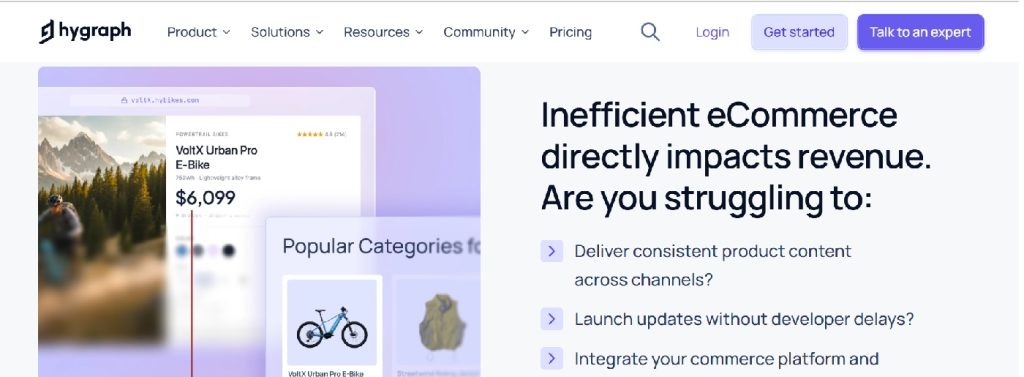
Hygraph is a GraphQL-native headless CMS for eCommerce, designed around structured content and API-based delivery. For businesses, it creates a centralized content layer across several brands and markets. The platform supports structured product-related content and reusable content models. It also offers Content Federation: external data sources can be brought together with CMS content. No need for editors to manually duplicate information.
Main strengths:
- Multi-brand and multi-market management
- Localization and locale-specific permissions
- API-first, omnichannel delivery
- Extensive integration ecosystem
Suitable for: Mid-market and enterprise retailers managing multiple brands, regions, storefronts. International ecommerce companies, looking for a flexible content foundation. Teams with technical resources to build/maintain frontend experiences connected to the CMS.
2. Contentful
A well-established composable content platform that separates content management from the presentation layer. Companies can reuse structured content across different websites, applications, digital channels. Contentful’s localized workflows can assign translation and review processes based on language or locale.
Main strengths:
- Flexible structured content
- Broad localization capabilities
- Roles and permissions
- Suitable for omnichannel delivery
Suitable for: Organizations that need one platform supporting multiple sites. Companies with a development team ready to build and maintain the customer-facing experience.
3. Contentstack

Contentstack focuses on headless content management and offers multi-site capabilities. Relevant to retail groups reusing content across different websites, while maintaining local variations. Supports multiple languages, fallback relationships, localized versions, independent publishing states.
Main strengths:
- Multi-site content reuse
- Strong localization capabilities + asset management
- Workflows and access controls
Suitable for: Large retailers and eCommerce groups operating multiple sites, languages, regions. Good fit for complex content operations. Better suited to organizations with dedicated digital or development resources than small retailers looking for a simple website editor.
4. Sanity
Sanity offers a highly customizable approach to structured content. Teams can model content around the specific entities and relationships used by their business. Useful for retailers with unusual content requirements or highly customized storefronts.
Sanity supports localization through document and field-level approaches. Thus, organizations can structure multilingual content according to their specific needs.
Main strengths:
- Highly customizable content models
- Flexible editorial experience
- Localization support
- Suitable for composable commerce architectures
Suitable for: Retailers with strong engineering teams and complex requirements. Developers will need to design the content model and editorial experience.
5. Adobe Experience Manager Sites
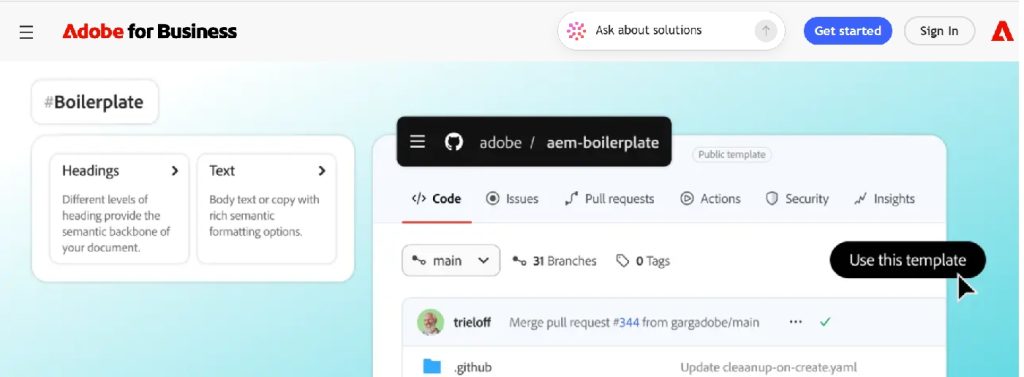
An enterprise digital experience platform for organizations with sophisticated content and localization requirements. Its Multi Site Manager functionality allows organizations to create reusable site content and maintain relationships between a source version and localized or regional variations. Adobe also provides translation capabilities that can be combined with Multi Site Manager.
Main strengths:
- Enterprise-grade multi-site management
- Content reuse and live copies
- Multilingual workflows
- Strong fit with broader Adobe ecosystems
Suitable for: Large international retailers with complex content operations, many markets. Companies with significant digital experience requirements. Not ideal for smaller retailers due to licensing, expensive implementation, governance, and ongoing administration.
6. WordPress with WooCommerce
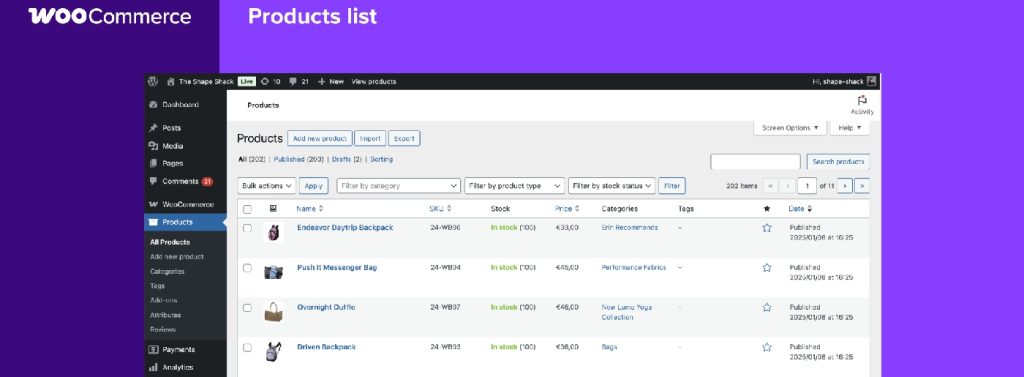
A practical option for those who prioritize editorial flexibility. WordPress Multisite allows multiple sites to operate within a shared WordPress installation. WooCommerce provides the commerce layer. However, its multi-store setups often require additional extensions or custom development. Individual sites in a WordPress Multisite network maintain separate data. Shared themes and plugins do not automatically create a unified product database! As the business grows, maintaining integrations, security, performance, and data synchronization can become more complex.
Main strengths:
- Familiar editorial interface
- Large plugin and developer ecosystem
- Flexible customization
Suitable for: Smaller, mid-sized retailers with a few storefronts that know WordPress.
How to Choose the Right CMS for a Multi-Brand Business
The number of websites is not the only thing to consider. Three independent brands can require a more complex CMS setup than twenty regional versions of the same storefront.
It’s worth looking at which content can be shared and which needs to stay separate. Product descriptions, campaigns, guides, and other content may have one central source, while some brands or markets may need their own versions.
The same applies to your teams. Who creates the content? Who approves it? Who handles translations and publishing? The answers will help you understand how permissions should work.
You should also think about how the setup may change as the business grows. A CMS that works well for two brands may need a different approach at twenty. Look beyond the number of stores and consider the brands, markets, users, content types, integrations, and channels you may need to manage over the next few years.
A useful evaluation checklist:
- How many brands and storefronts need to be managed?
- Which content needs to be shared globally?
- Which content needs local control?
- How many languages and markets are involved?
- Which commerce platform is already in place?
- Does the business have an internal development team?
- How complex are approval and publishing workflows?
- Will content be delivered beyond websites?
- How will product information and digital assets be managed?
- What happens when the company launches another brand or market?
Conclusion
When comparing CMS platforms, start with the way your business is structured. The number of brands and markets you manage, which content is shared, and how many systems the CMS needs to connect to will tell you which capabilities actually matter for your setup. There is also the question of how your teams will use the CMS. If a central team manages global content, local teams should be able to update their markets independently while following shared brand guidelines.
For businesses planning a new online store, our guide on how to build an eCommerce website provides a useful starting point for the broader setup process.
So rather than comparing CMS platforms feature by feature, look at how they would handle your actual setup. What happens when you add another brand? A new market? More localized storefronts? The CMS you choose should make those changes manageable for your teams, not turn each one into a new project.




Leave a Reply