Website Security Check: How to Scan & Protect Your Site (2026 Guide)
Most website owners think about security only after something goes wrong — a warning from Google, a sudden drop in traffic, or a message from users saying the site looks suspicious.
By that point, you’re no longer preventing problems — you’re reacting to them.
A proper website security check helps you stay ahead of that. Not just by scanning for malware, but by understanding where your site is vulnerable and what actually needs fixing.
Why a Simple Scan Isn’t Always Enough
Running a quick scan feels reassuring. You paste your URL, wait a few seconds, and get a “clean” result.
The problem is that most tools only check the surface.
They can detect:
- known malware
- blacklisting status
- obvious threats
But they often miss:
- hidden backdoors
- outdated plugins
- weak configurations
That’s why relying on a single scan often creates a false sense of security — it looks reassuring, but doesn’t tell the full story.
How to Do a Proper Website Security Check
If you want something reliable, the process is simple but slightly more structured.
1. Run an External Scan
Start with tools that check your website from the outside — the way search engines and visitors see it.
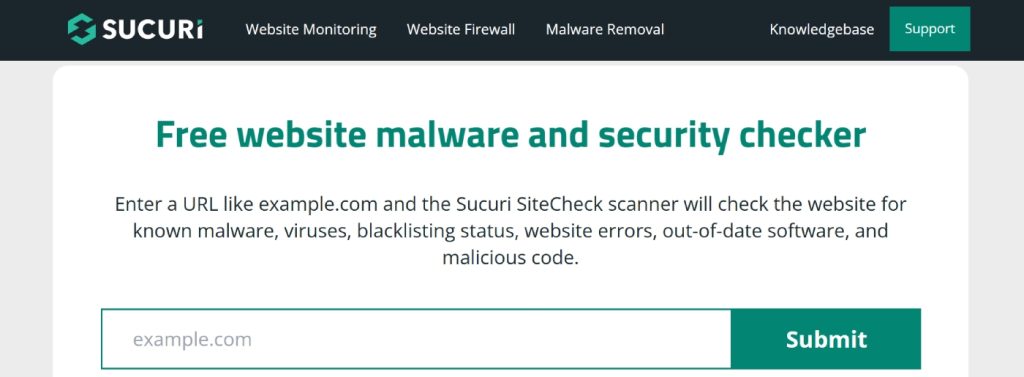
A good first step is using Sucuri SiteCheck. It’s fast, requires no setup, and often catches obvious issues like malware injections or blacklist warnings. In many cases, this alone is enough to confirm whether something is seriously wrong.
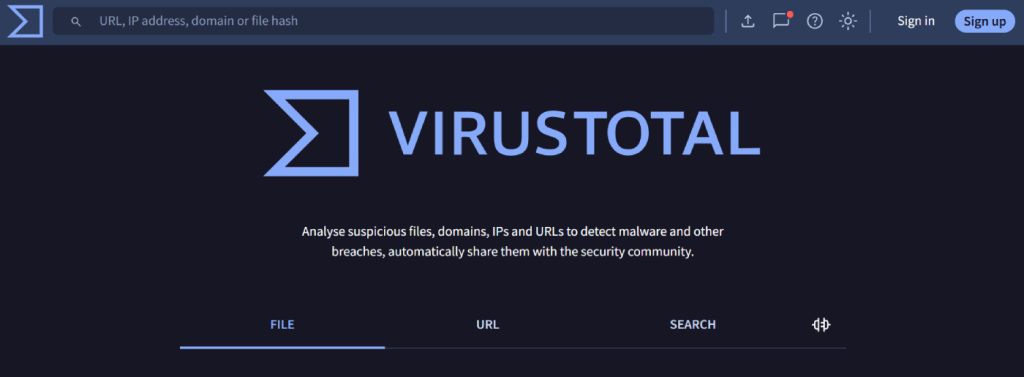
For a broader view, you can also use VirusTotal, which scans your site across multiple security engines. It’s useful when you want confirmation, not just a single result.
👉 These tools are quick and free — but think of them as a starting point, not a full diagnosis.
2. Check Your CMS and Plugins
If your site runs on a CMS, most vulnerabilities come from inside — not outside.
Outdated plugins, unused extensions, and weak admin credentials are some of the most common entry points.
This part isn’t as convenient as running a scan, but it’s often more important. Even a “clean” scan won’t help if your system is outdated.
3. Monitor Your Site Over Time
Security isn’t a one-time check.
Issues often appear gradually, especially if your site isn’t actively maintained. That’s why monitoring matters more than occasional scanning.
Tools like Comodo cWatch or SiteGuarding don’t just scan — they alert you when something changes. That difference matters if you want to catch problems early.
4. Build on a Secure Foundation
Even the best tools won’t help much if your setup is weak.
Hosting quality, SSL configuration, and platform-level protection all affect how secure your site actually is. If you’re constantly fixing issues, the problem might not be the scan — it might be the foundation.
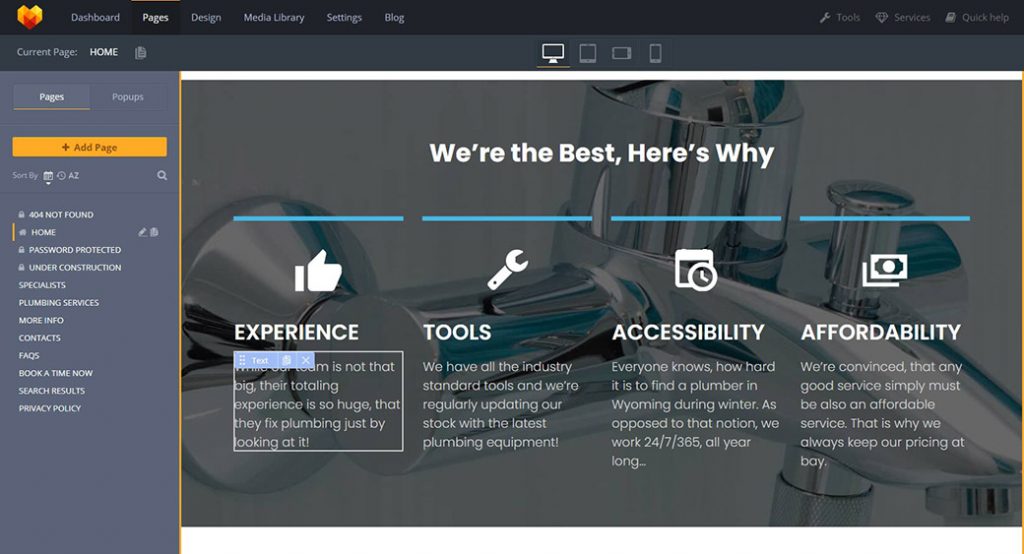
Using a secure platform like MotoCMS website builder can reduce many of these risks from the start, especially if you don’t want to manage everything manually.
How to Choose the Right Website Security Tool
Not all tools solve the same problem, which is why using just one often isn’t enough.
If you need a quick check, Sucuri is usually the easiest place to start. It gives a fast overview and helps identify obvious issues.
If you want broader validation, VirusTotal scans your site across multiple engines, which makes it useful for confirmation.
If something still feels off after both scans, that’s when deeper tools become relevant. Some focus on hidden scripts, others on behavior patterns — and they’re better suited for more detailed investigation.
👉 In practice, most site owners combine tools: quick scan first, deeper check only if needed.
Common Mistakes That Leave Websites Vulnerable
Even after running scans, many sites remain exposed due to small but critical mistakes.
The most common ones:
- assuming “clean scan = safe site”
- ignoring updates
- using weak passwords
- not monitoring regularly
None of these looks critical on its own, but together they create easy entry points.
What to Do If Your Site Is Infected
If a scan shows issues, don’t panic — but don’t ignore it either.
Start with:
- identifying affected files
- removing malicious code
- updating all systems
- changing access credentials
If the issue is complex, professional cleanup is often faster than trying to fix everything manually.
Final Thoughts
A website security check isn’t a one-time task — it’s part of basic website maintenance.
The tools available today make scanning easy, but real security comes from combining:
- regular checks
- proper setup
- ongoing monitoring
Do that consistently, and you’ll avoid most of the problems that catch site owners off guard.
One response to “Website Security Check: How to Scan & Protect Your Site (2026 Guide)”
Leave a Reply





Definitely something you don’t think about until you get that notice in webmaster tools or see your web browser blocking your own website from you. This is a great resource. Bookmarked for a rainy day!