Top 5 Enterprise DNS Security Tools for Business Protection
Whether you run a small business or a large enterprise, cybersecurity is no longer optional. Every day, employees use the internet to access cloud applications, communicate with clients, and store sensitive business data, making DNS security an essential part of protecting your organization.
A secure DNS solution does more than block malicious websites. It helps prevent phishing attacks, protects users from malware, improves network visibility, and reduces the risk of downtime that can disrupt business operations and affect customer trust.
With dozens of enterprise DNS security platforms available, choosing the right one can be challenging. To help you compare the options, we’ve reviewed 5 leading DNS security tools based on their core features, enterprise capabilities, and pricing information.
| Rank | Key features | Best for | Pricing |
| 1. Control D |
| Full-service DNS filtering for small, midsize businesses and large enterprises | Pricing is not listed. A free 14-day trial available for paid features. |
| 2. Infoblox Threat Defense |
| Enterprise predictive DNS threat protection with on-prem infrastructure | A token-based licensing model |
| 3. DNSFilter |
| Enterprise-grade DNS security and filtering | License-based pricing. For enterprises, pricing starts at $3,00/license/month. |
| 4. Akamai |
| Real-time DNS threat protection for enterprises | Pricing is not listed publicly. Contact sales to get a custom quote. |
| 5. ScoutDNS |
| Custom content filtering and malware protection | Per user/location pricing model
|
DNS Security: Why Do Enterprises Need It?
Enterprises are often at risk of cyberattacks because they handle sensitive data and documents daily.
And nowadays, since much of this data is stored online and most of their operations are carried out online, having reliable DNS security systems is especially important.
And here are more reasons why:
- DNS systems help protect against malware, data breaches, and phishing attacks
- Provide content filtering and control opportunities so that organizations can restrict employee access to risky and non-work-related content.
- Through DNS logs and activity analytics, enterprises can also monitor network performance and identify issues in time.
- Protection of all enterprise devices connected to the network.
- Effective malware protection helps keep business operations running smoothly without downtime or disruptions
- DNS systems are also an important part of regulatory and data protection compliance
DNS protection delivers the greatest value when it’s part of a broader digital cybersecurity strategy that safeguards your infrastructure, data, and online services.
What to Look for in an Enterprise DNS Security Solution
Choosing the right DNS security platform means looking beyond basic domain filtering. Consider these key features before making a decision:
- Malware Detection: Blocks phishing sites, malware, ransomware, and other online threats before users can access them.
- Reporting & Visibility: Provides dashboards, activity logs, and alerts to help monitor network traffic and identify suspicious behavior.
- DNS Encryption: Supports protocols like DNS over HTTPS (DoH) and DNS over TLS (DoT) to protect DNS queries from interception.
- Integrations: Works with existing security tools, cloud services, and identity management platforms for easier administration.
- Compliance: Helps organizations meet industry regulations with logging, policy controls, and audit capabilities.
- Scalability: Supports growing teams, multiple locations, and increasing network traffic without sacrificing performance.
Even the best DNS security solution should complement the security measures implemented by your development team, creating multiple layers of protection across your business.
Top 5 DNS Security Tools for Enterprises
The selection of these top tools is based on their features, product capabilities, and pricing flexibility as presented on their official websites.
1. Control D
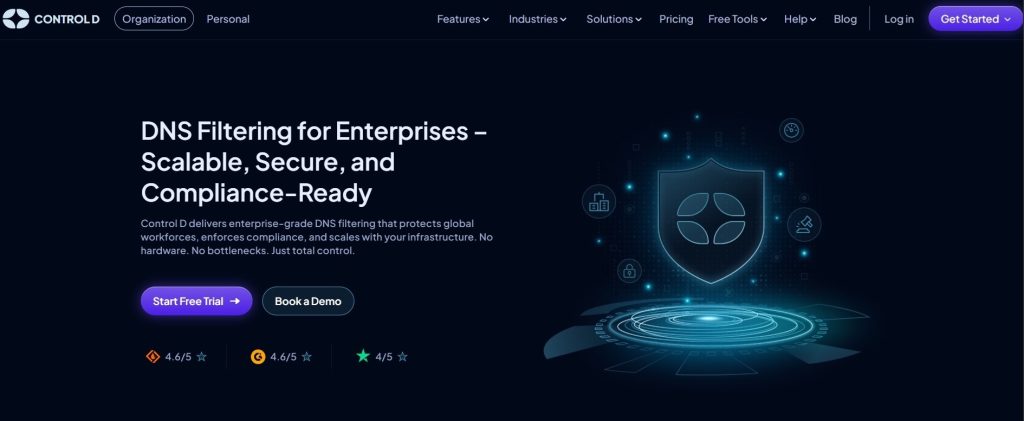
Best for: Full-service DNS filtering for small, midsize businesses and large enterprises
Control D provides enterprise DNS filtering solutions that help protect global workforces from security threats and attacks. Its DNS solutions have already helped various organizations from industries such as financial services, healthcare, manufacturing, education, and government.
The tool uses AI-powered filtering to block ransomware and enhance security. It also doesn’t require complicated maintenance, as it operates on a cloud-based model that fully adapts to enterprises of any size and requirements.
Key features:
- Malware identification and blocking
AI-powered detection helps identify, block, and protect employee devices from accessing harmful and malicious content.
- Custom website and domain filtering
Custom filtering makes it possible to allow or block individual domains based on your enterprise’s preferences and work needs. You can also apply geo-custom rules to block access by country, ASN, or IP range.
- Content filtering
This feature allows filtering content so that your team accesses only work-related content and doesn’t have access to risky or distracting websites (like gambling or social media).
- Performance analytics and Admin logs
With exportable activity logs, every activity within the system is recorded so you can identify suspicious or unusual activity in real-time and react in time. Network performance analytical reports are also fully customizable to fit your organization’s reporting demands.
- Multi-Tenancy
This feature allows enterprises to create multiple sub-organizations within a single account, making it easier to manage different departments, teams, or clients.
- Data protection with modern DNS protocols
Through modern encryption protocols, such as DNS over HTTPS (DoH) and DNS over TLS (DoT), you can block unauthorized access to your DNS requests to keep your data private.
- Flexible integrations
Control D supports a wide range of platforms, routers, devices, RMMs, and SIEM tools, and provides full API access so that you can easily integrate it into your existing workflows .
Compliance: All of the features and functions provided by Control D fully meet the industry compliance requirements (HIPAA, PCI DSS, GDPR, SOC 2).
Pricing
Control D offers scalable pricing for enterprises. Although the pricing plans are not listed publicly, you can access a 14-day free trial to test the paid features before making a purchase.
2. Infoblox Threat Defense
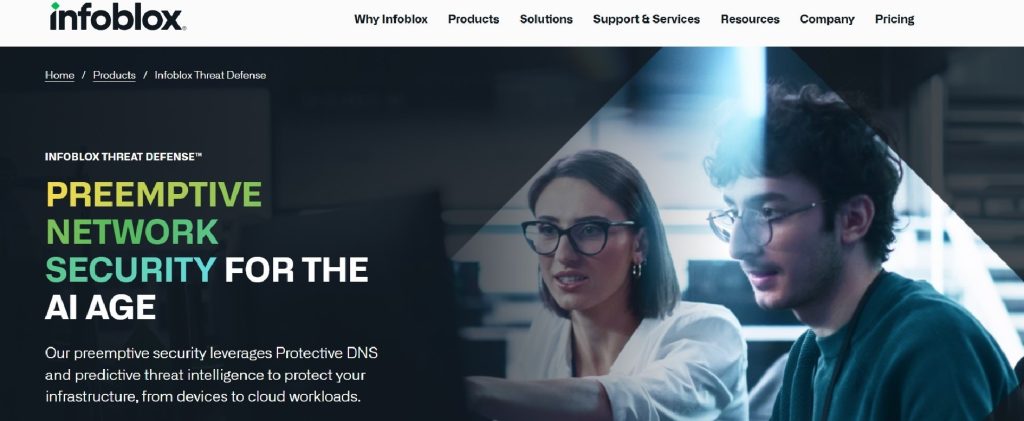
Best for: Enterprise predictive DNS threat protection with on-prem infrastructure
Infoblox Threat Defense is another DNS solution widely used by enterprises. By using predictive intelligence, Infoblox detects and blocks issues before they strike the cloud infrastructure, core, edge, remote devices, or IoT.
Infoblox Threat Defense key capabilities include:
- Enterprise-Wide Secure Resolver and DNS Query Logging
- Full DNS Behavior Monitoring
- Lookalike/Doppelganger Domain Detection & Takedown
- Zero Day DNS Protection
- Behavior-Based DNS Tunneling Detection
- Proactive Suspicious/High-Risk Domain Protection
- Automatic, Native Context Enrichment
- Proactive Threat Distribution Systems (TDS) Detection and Disruption
Pricing
Infoblox uses a token-based licensing model, allowing enterprises to choose and manage the services that best fit their needs.
3. DNSFilter
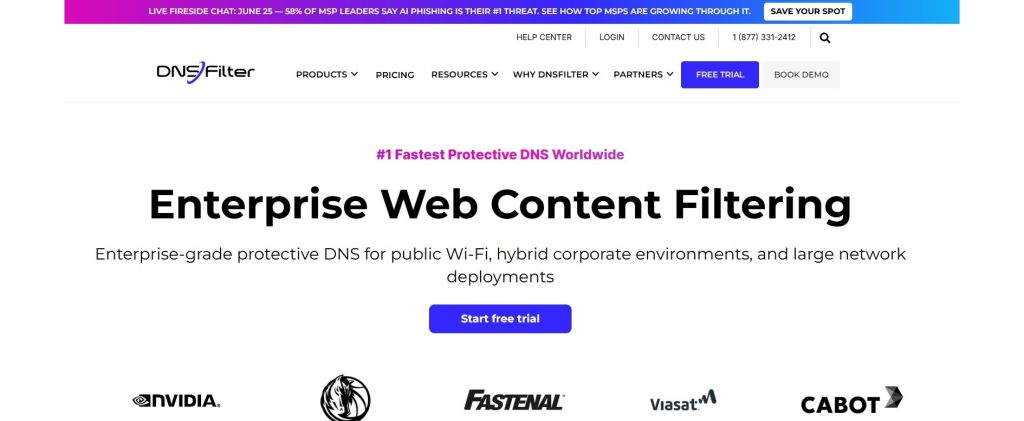
Best for: Enterprise-grade DNS security and filtering
DNSFilter is one of the top DNS security tools that offers an enterprise-grade protective DNS for public Wi-Fi and hybrid corporations, as well as large networks. Through machine learning, it identifies threats and blocks malware, phishing, or botnets before they reach the organizational network.
Within its products, DNSFilter offers the following features:
- Anycast network
- Appaware
- Data export
- DNSSEC
- Integrations
- Insight reporting
- PSA Integrations
- Malicious domain protection
- Remote protection
- Single sign-on
- Universal lists
- Website categorization
Pricing
DNSFilter uses a license-based pricing model. For enterprises, pricing starts at $3,00/license/month.
4. Akamai
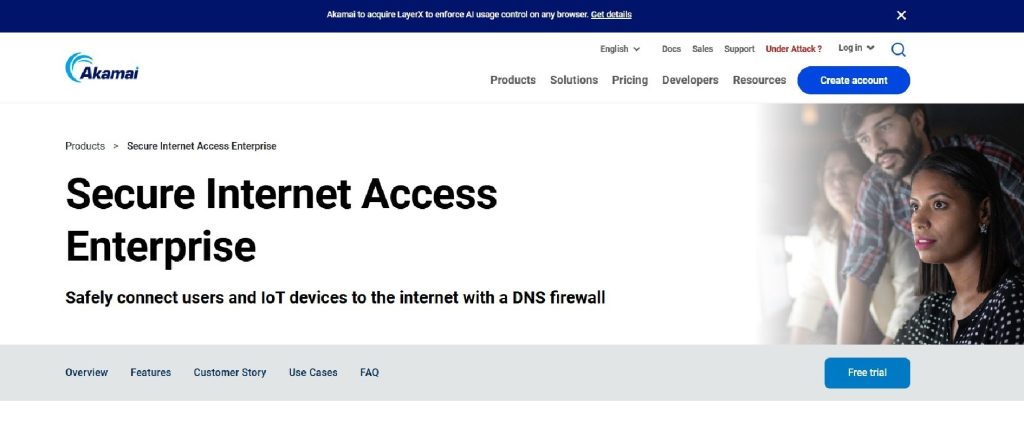
Best for: Real-time DNS threat protection for enterprises
Akamai is another go-to DNS solution for enterprises. It is easily deployed and uses real-time threat intelligence to inspect every DNS query and block malicious activity.
Key features include:
- Real-time threat intelligence to block malicious domains and websites
- Protection against DNS data exfiltration attacks
- Flexible inspection options based on security needs
- Shadow IT detection and application control
- Protection for users and IoT devices across multiple platforms
- Flexible deployment options to fit different network environments
- Easy policy management based on users, groups, or locations
- Real-time traffic analysis, reporting, and threat monitoring
- API access and SIEM integration for centralized security management
Pricing
Akamai doesn’t list the pricing plans publicly; to get a custom quote, you need to contact their sales team.
5. ScoutDNS
Best for: Custom content filtering and malware protection
And last in our list, ScoutDNS is one of the top DNS security tools that offers flexible customized content filtering and malware protection to enterprises. Through custom allow/deny lists and categories, users can set different rules for different devices, teams, or locations.
You can benefit from their core solutions such as:
- Content filtering
- Threat protection
- Device protection
- Network visibility
Additional features include:
- Powerful reporting
- Adult sites filtering
- Badware blocker
- Cloud hosting
- Ad blocker
- Application blocker
- YouTube safe mode
- Force safe search
Pricing
ScoutDNS offers 3 pricing plans based on user/location.
- Network standard: $1,10/seat (monthly)
- Network plus: $1,30/seat (monthly)
- Network 360: $1,50/seat (monthly)
Conclusion
Enterprise DNS security is no longer just an IT consideration—it’s a critical part of protecting business operations, employees, and customer trust. The right DNS security tools should provide reliable threat detection, strong visibility into network activity, seamless integration with your existing infrastructure, and the flexibility to grow with your organization.
While each platform offers different strengths, evaluating your security requirements, compliance needs, and deployment environment will help you choose a solution that supports both your cybersecurity strategy and long-term business goals. In the case of Control D, for example, enterprises choose it because:
- Enterprise-Level Threat Defense
- Unlimited Scalability
- Compliance Built-In
- Centralized Policy Control
- Cloud-Based Flexibility




Leave a Reply