Colour Use in Web Design: More Than Just Pretty Pictures
As soon as you arrive on a site, evaluations begin to take place in your brain in milliseconds- in many cases, even before you have even read a word. What is one of the biggest movers and shakers of that instant impression? It is colour use.
The colour use in web design applications does not relate merely to aesthetics. It is an instrument that has an influence on perception, emotion, usability, and behavior. Selecting the appropriate palette can either lead to an immediate bounce by a visitor or it can lead to her staying with a view to exploring.
First Impression Can Be Colourful
Visual processing comes into play quickly, and colour is among the first impressions to be perceived. It has been found that individuals form an impression about a site in roughly 50 milliseconds. And at that rate, colour is speaking for itself.
The cool colors, such as blues and greens, may bring about trust and serenity. The warm color, such as red or orange, may indicate energy or a sense of urgency. Black looks either luxurious or mysterious, whereas the white one is minimal and clean.
By understanding colour use psychology, designers can manipulate user experience even before the user has clicked the mouse.
Understanding the Emotional Palette
Each colour use has an emotional connotation. The general associations can be outlined briefly as follows:
- Red – urgency, excitement, dominance
- Blue – trust, professionalism, calm
- Pink – flirtation, sweetness, romance
- Black – luxury, authority, mystery
- White – purity, simplicity, openness
- Purple – creativity, sensuality, inspiration
- Green – balance, wealth, nature
- Orange – playfulness, enthusiasm, warmth
They aren t rules but they provide a guideline where design can make a site feel like it belongs with its message or brand. The given type of emotional mapping is particularly relevant in settings that rely on the visual identification to promote interaction, such as creator profiles, personal brands, and streaming pages. Colour psychology plays a vital role in shaping users’ perceptions of value, trust, and personality at first sight.
Matching Colour to Brand Identity
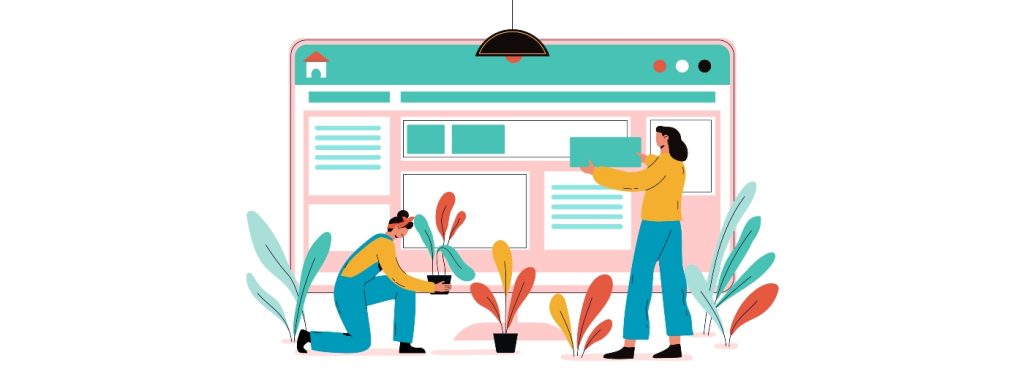
Your brand has a voice, and colour use helps it express itself.
A high-energy influencer may trend towards the textural pinks, purples, and neons. A slick SaaS company may employ cool grays, dark navy, and subtle shading. A brand specializing in holistic wellness may incorporate natural greens, soft beige, and earthy colors.
When your colours match your tone, your site feels cohesive. Visitors immediately “get” who you are, even before reading a single sentence.
That’s why visual identity matters – and why brands that take the time to define a signature palette tend to have higher trust, recognition, and engagement.
Readability Still Reigns Supreme
When developing your site, you can get carried away with the urge to make it pop, but vibrancy can never make up for the inability to read the screen.
High-contrast pairing, such as having a dark-colored font on a light background or vice versa, is critical. Avoid eye-hurting colour combinations (neon on neon being a prime example) or combinations that just become lost (light grey text on white). Make buttons and menus stand out and make links close or visible to the user.
You’re designing for attention spans measured in seconds – don’t lose people with poor contrast or cluttered colour layering.
Strategic Use of Accent Colours
Your primary palette sets the mood, but accent colour use drive action.
Use them intentionally. For example:
- A bold green CTA button on a neutral page draws the eye.
- A subtle red badge on a product signals urgency or limited availability.
- A soft yellow highlight on text can guide reading without overwhelming.
Accent colours should grab attention, not scream for it. If everything’s bright, nothing stands out.
Less Is More: Avoiding Colour Overload
Many rookie designers fall into the trap of using too many colours. More isn’t better – it’s distracting.
A strong colour scheme typically includes:
- Primary colour – your base brand tone
- Secondary colour – a complement or contrast for headers, highlights
- Accent colour – used sparingly to guide interaction
- Neutral background – white, black, grey, or muted tones for content areas
This structure creates visual hierarchy and lets you communicate clearly without overwhelming your visitors.
Designing with Consistency
Once you’ve chosen your colour scheme, stick with it across every page, asset, and section of your site. Consistency builds familiarity. Familiarity builds trust.
This means:
- Use the same button colour throughout the site
- Stick to one or two link styles
- Keep header colours consistent across pages
- Avoid mixing themes (e.g., dark homepage with light product pages)
This isn’t just a branding decision – it helps users navigate more intuitively. When your visual language stays the same, users can focus on your content and actions instead of reorienting every time they click.
Tools That Help
Not confident picking colours from scratch? Use tools like:
- Coolors.co – for generating complete palettes
- Adobe Color – for experimenting with harmony rules (analogous, complementary, triadic)
- Contrast Checker – to make sure your colour combos meet accessibility standards
These tools simplify the process and ensure your site doesn’t just look good – it performs well for everyone, including users with visual impairments.
Final Thoughts
Colour is more than a style choice. It’s a communication strategy – and one that can shape how users feel, act, and remember your brand.
Good design guides the eye. Great design stirs emotion and triggers action.
So, whether you’re building a landing page, a blog, a portfolio, or an interactive profile, take the time to make colour use intentional.
Let it work for you.
Check our three tips for injecting your website with colour.





Leave a Reply