10 AI Image Generators for Print-Ready Output in 2026
There’s a quiet gap in most AI image generator reviews. The screenshots look great, the sample gallery looks great, and then someone tries to print the output at A2 and the whole thing falls apart — text blurs, gradients band, fine detail dissolves into mush. For anyone doing commercial work in 2026, “does it look good on a phone screen” is no longer the useful question. “Will it survive a print job, a client review, and a legal check?” is.
The good news is that the category has matured. Higher-resolution generation is now available across many paid AI image generators, while dedicated upscalers can push finished images considerably further. Some platforms offer native 4K or higher output, while others rely on upscaling for large-format work. Watermark policies and commercial-use terms also vary by platform and plan, which can matter when choosing a tool for commercial work.
This piece compares ten AI image generators specifically on production output — native resolution ceilings, upscaling behavior, watermark policies, commercial rights, and how well text and fine detail hold up at scale. The list starts with Nano Banana and moves through nine competitors spanning aggregators, editors, and specialists.
How We Compared the Platforms
We compared the platforms across five production-oriented criteria:
- Native output resolution — what the base model produces before any upscaling pass
- Upscaling ceiling — how far finished work can be pushed post-generation
- Watermark policy — whether paid tiers ship clean output
- Commercial licensing — uniform across tiers, or tier-dependent
- Fidelity at scale — whether text, logos, and fine detail survive at print resolution
Base aesthetics only enter the analysis when they materially affect production viability.
Quick Comparison of AI Image Generators
| # | Platform | Native Ceiling | Upscale Ceiling | Commercial Rights |
| 1 | Nano Banana Bingo | 4K native | Pro-tier | Uniform on paid tiers |
| 2 | Kittl | High-res raster + vector | Vector = infinite | All paid tiers |
| 3 | Picsart | 8K native | Built-in upscaler | Paid tiers |
| 4 | getimg.ai | Model-dependent | 16K upscale | All paid plans |
| 5 | Hailuo AI | 4K on higher tiers | Tier-scaled | Watermark-free paid |
| 6 | Pollo.ai | Model-dependent | Model-dependent | Paid tiers |
| 7 | PicLumen | Standard-plus native | Relax + upscale | Standard tier + |
| 8 | Leonardo AI | Tier-dependent | Module-based | Team + API tiers |
| 9 | CGDream | Standard native | Standard upscale | Paid tiers |
| 10 | DeepAI | 2K (Super Genius) | Limited | Paid tier |
The AI Image Generators
1. Nano Banana Bingo
Nano Banana Bingo‘s production story is straightforward: skip the upscale-and-clean loop by generating natively at 4K on the Pro tier. Lite and standard tiers cover 1K and 2K for drafting, with Pro reserved for finishing work. Multilingual text rendering survives at 4K, which matters more than it sounds — most generators can render “OPEN” on a shop sign, but few keep kerning intact on a full paragraph of packaging copy. Beyond general use, the platform hosts specialized workflows on the same base model, including a coat of arms maker built for heraldic design where line detail and symmetry hold up under scrutiny.
The other production-relevant behavior is scene-preserving edits at native 4K. Changing a single element — jacket color, sky, background — doesn’t force a full re-render at print resolution.
Features
- Native 1K / 2K / 4K output tiers
- Multilingual text rendering preserved on logos, packaging, and signage
- Scene-preserving edits at native resolution
- Up to 14 reference images per prompt on Pro
- Coherent handling of up to 5 distinct characters in one frame
- Conversational refinement that behaves like an editor
- Watermark-free on paid tiers
Pricing
- Free daily generations on Lite
- Standard tier for everyday work
- Pro tier for 4K, 14-reference stacks, and 5-character composition
Pros
- Native 4K removes the upscale-and-clean pass entirely
- Text and fine detail survive at print resolution
- Commercial rights are uniform across paid tiers
Cons
- Native ceiling stops at 4K — no in-platform 8K
- Pro-tier 4K workloads run heavier, so batch concurrency matters at scale
Best for: creators shipping print-ready or brand-facing imagery who need output that survives real-world use without a separate upscaling stage.
2. Kittl
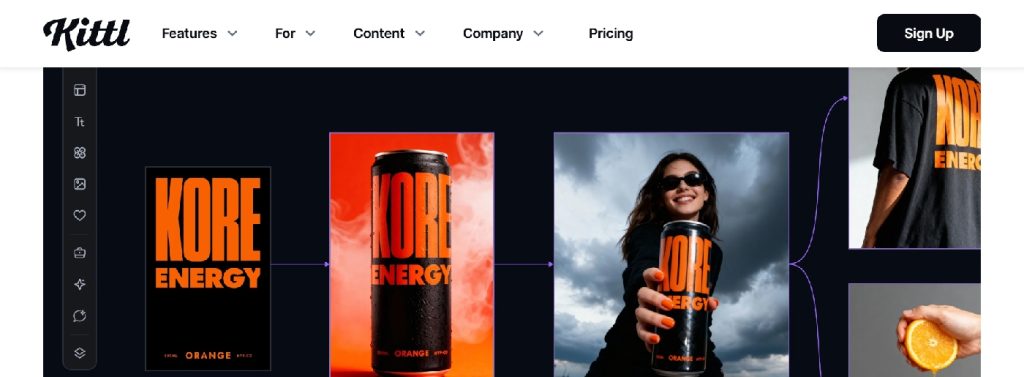
Kittl sidesteps the whole resolution ceiling debate by producing vector output. Raster generation runs on Flux Schnell (unlimited on every paid plan), and ChatGPT Image 2 is available in the model picker for higher-fidelity raster work. But the production advantage lives in raster-to-vector conversion — once an image is vectorized, it scales to any size without pixel loss. For apparel, signage, and merch where output size is unpredictable, that removes an entire category of production problems.
Features
- Unlimited basic generation on Flux Schnell across paid plans
- Model picker inside the generator (ChatGPT Image 2 included)
- AI vector generation and raster-to-vector conversion
- 100,000+ templates and 10M+ photos, graphics, and fonts
- High-resolution export with version history (5 steps on Pro, unlimited above)
- Commercial license on every paid tier
Pricing
- Free tier with watermarked exports
- Pro tier with commercial license and 5-step version history
- Higher tiers add unlimited version history
Pros
- Vector output scales infinitely without loss
- Commercial rights on every paid tier keep licensing simple
- Template library shortens time from prompt to finished asset
Cons
- Not designed for photo-realistic print output
- Small model catalog compared to aggregators
Best for: merch designers, print-on-demand sellers, and brand teams producing scalable graphics.
3. Picsart
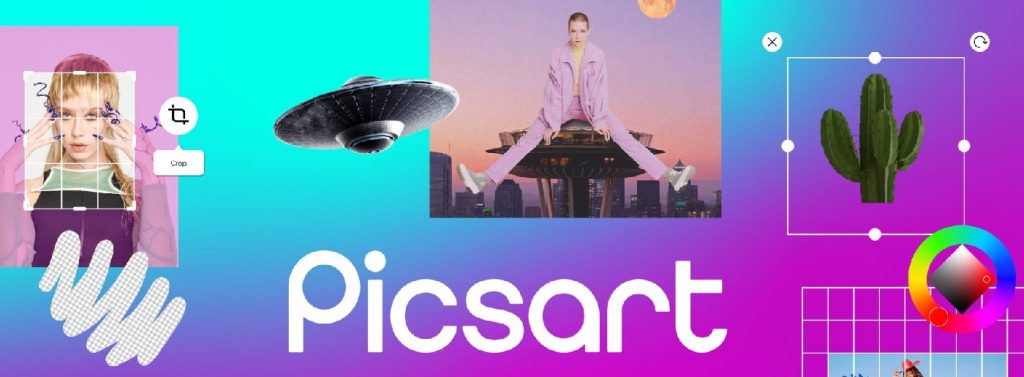
Picsart pairs 8K native output with a built-in upscaler inside a full raster editor. For teams handling image volume, 8K generation combined with batch editing (50 on Pro, 100 on Ultra) makes it a genuinely production-scale platform. Picsart offers a broad selection of AI models, including 140+ leading video, image, and audio models, alongside its own image-generation tools.
Features
- 8K image output with a built-in upscaler
- 39 in-house image models plus 140+ third-party engines
- 48 style presets and a large template library
- Batch editing — 50 images (Pro) or 100 images (Ultra) at a time
- Background and object removal, one-click enhancement
- Brand kits for teams managing multiple identities
- SDK, CLI, and API access on Enterprise
Pricing
- Free tier with watermarked output
- Pro (individual) with unmetered Flux.2 Klein generations
- Ultra (per-seat, agency-oriented)
- Enterprise with SDK/API access
Pros
- 8K native is among the highest ceilings in the category
- Batch depth suits catalog and e-commerce production
- Brand kits keep visual identity consistent at scale
Cons
- Ultra pricing scales per seat
- Premium third-party models pull from shared tokens
Best for: in-house creative teams producing high-resolution creative at volume — catalog, e-commerce, marketing.
4. getimg.ai
getimg.ai is one of the top AI image generators and offers upscaling up to 16K on eligible plans. Native generation runs across 11 image models (Seedream 5.0 Pro on higher tiers), then the built-in upscaler handles the finishing pass. For billboard work and large-format print, 4K just isn’t enough, and 16K puts the platform in a different category.
Features
- 11 image models with Seedream 5.0 Pro on higher tiers
- Image upscaler reaching 16K
- Video upscaler and smart resizer alongside
- 2 to 10 concurrent generations by tier
- Up to 10 shared team workspaces on higher plans
- Commercial rights on every paid plan
Pricing
- Free trial credits
- Paid tiers scale concurrency (2 → 10) and unlock team seats
- Enterprise adds larger team workspaces
Pros
- 16K upscaling is significantly above category norm
- Team workspaces included from mid-tier
- Commercial rights on every paid plan
Cons
- 16K quality depends on the source model’s native detail
- Seat-based pricing past Entry favors teams
Best for: studios and agencies producing large-format print, billboard, or gallery-scale output.
5. Hailuo AI
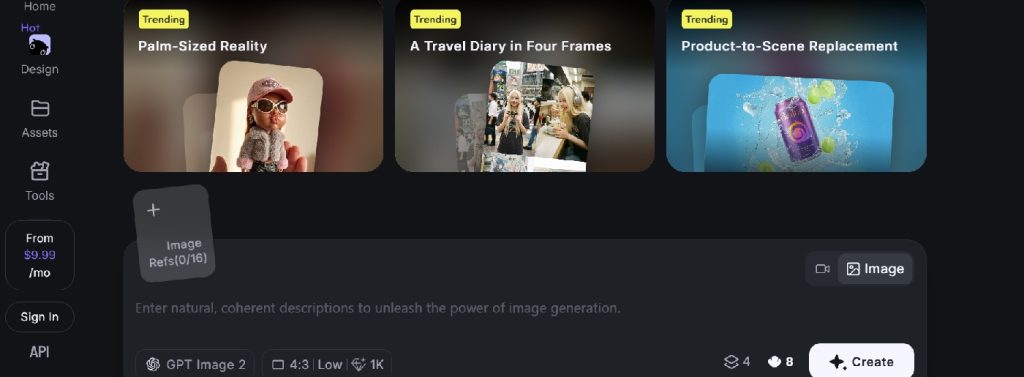
Hailuo is one of the best AI image generators, offering 4K native on higher tiers and ships watermark-free on every paid tier — even the entry level. Reference-image stacking goes up to 16 per prompt, which affects production because it lets you feed brand, product, and style references at once without losing coherence in the 4K output.
Features
- Aspect ratio, quality, and resolution controls reaching 4K on higher tiers
- Up to 16 reference images stacked per prompt
- Preset templates for product scene replacement and multi-panel layouts
- Four variants per generation by default
- “Lighting Studio” and “Panoramic Workshop” advanced tools
- Watermark-free output on every paid tier
Pricing
- Free tier with watermarked output
- Paid tiers ship watermark-free from entry level
- 4K reserved for higher tiers
Pros
- Reference-heavy production stays coherent at 4K
- Every paid tier ships watermark-free
- Preset templates shortcut e-commerce production
Cons
- 4K sits behind higher tiers
- No in-platform 8K path
Best for: e-commerce teams producing scene-based visuals at 4K with heavy reference material.
6. Pollo.ai
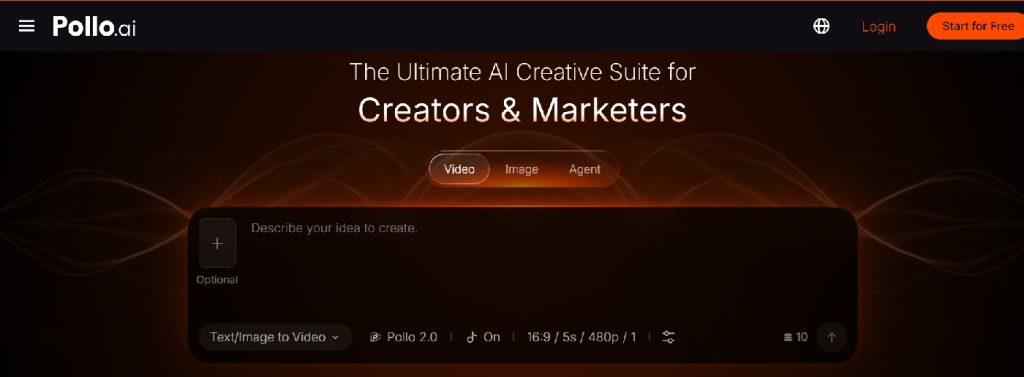
Pollo.ai‘s resolution ceiling depends on which of its 10+ engines you pick — Pollo Image 2.0, GPT Image 2, Nano Banana 2, Recraft V3, Ideogram, Stable Diffusion, Flux, Seedream, DALL·E, and Imagen each have their own native behavior. That’s flexibility, but it also means there’s no single unified maximum — production output ceilings shift by engine.
Features
- 10+ engines under a single account
- Up to 6 concurrent generations on the top tier
- Aspect ratio, count, and resolution controls per model
- Watermark-free output on paid plans
- Privacy and copy-protection toggles for commercial work
- One free daily generation without signup
Pricing
- One free daily generation without signup
- Paid tiers scale concurrency and unlock watermark-free output
- Top tier offers 6-way concurrent generation
Pros
- Engine choice covers most production styles
- Concurrent generation supports parallel production runs
- Privacy toggles suit client-facing work
Cons
- Resolution ceiling varies by engine — no unified maximum
- Free tier caps at one generation per day
- Per-model documentation varies
Best for: creatives whose production runs benefit from engine choice per job.
7. PicLumen
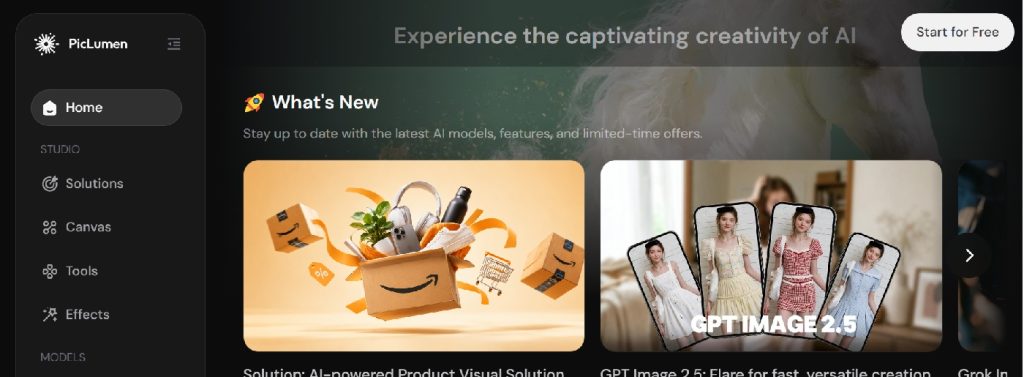
PicLumen‘s production angle is bulk output through Relax Mode plus node-graph upscaling. From the Standard tier upward, Relax Mode runs watermark-free generation on idle compute — variable queue times, but no per-image cost pressure. Node graphs then chain generation → upscale → post-process into a single repeatable pipeline.
Features
- Node-based Canvas (up to 100 projects, 500 nodes each on top tier)
- Third-party model access: Midjourney, Seedance 2.0, GPT-Image-2
- Relax Mode for watermark-free bulk generation (Standard tier and above)
- Up to 10 concurrent tasks with 20 queued
- Style and effect presets tuned for social output
Pricing
- Free tier with limited concurrency
- Standard tier unlocks Relax Mode
- Higher tiers scale concurrency and node ceilings
Pros
- Bulk generation without watermark friction from Standard tier
- Node graphs support repeatable production pipelines
- Generous concurrency at higher tiers
Cons
- Relax Mode queue times fluctuate under load
- Node workflows carry a learning curve
Best for: technical creators running bulk production through repeatable multi-stage pipelines.
8. Leonardo AI
Leonardo is one of the best AI image generators, offering image, video, design, and motion modules under one subscription across web, Windows, iOS, and Android. Solo, Team, and API tiers separate individual and team-scale production cleanly, and the Canva Business bundle at the entry tier extends distribution reach.
Features
- Cross-platform apps on web, desktop, and mobile
- Image, video, design, and animation modules
- Solo, Team, and API tiers
- Developer API for pipeline integration
- Canva Business bundled at the entry tier
Pricing
- Free tier with limited daily tokens
- Solo, Team, and API tiers
- Canva Business bundled at entry level
Pros
- Same production surface across web, desktop, and mobile
- Clean Solo vs. Team tier separation
- Canva bundle adds distribution reach
Cons
- Per-module resolution ceilings aren’t uniformly documented
- Advanced controls sit behind higher tiers
Best for: solo creators and small teams producing across devices with one subscription.
9. CGDream
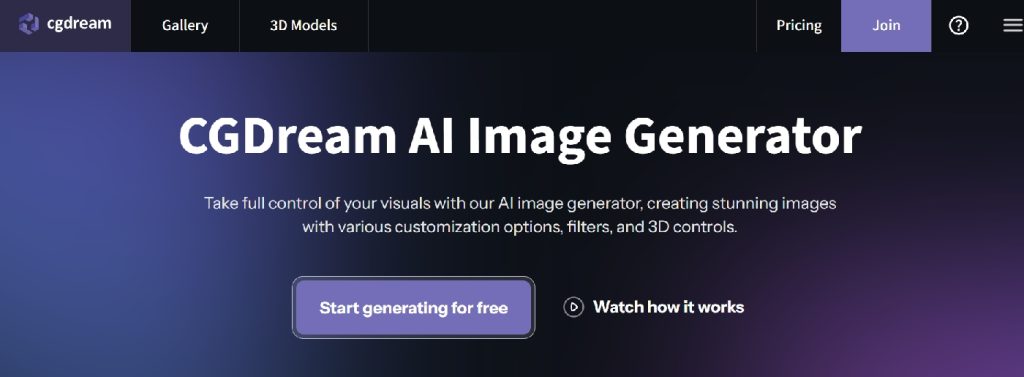
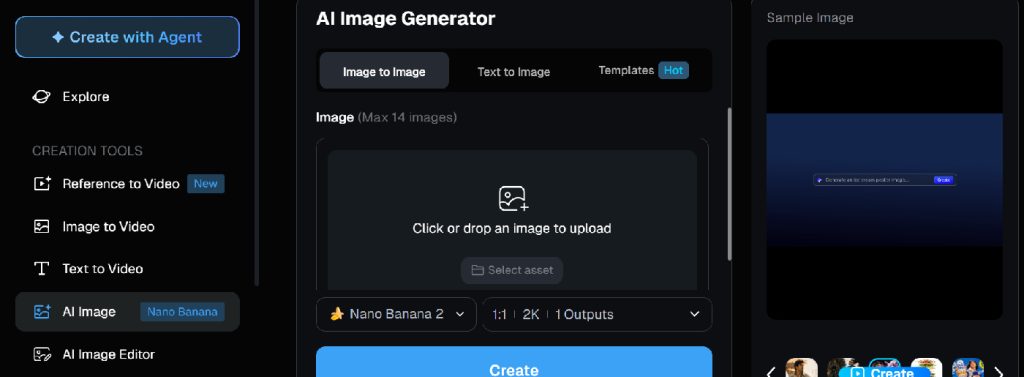
CGDream targets a narrower production case — prototypes and concept work at standard resolution, plus rough 3D output from the same interface. Seed control and negative prompts can make production runs more reproducible across sessions. Not aimed at print-scale ceilings, but valuable where reproducibility matters more than raw resolution.
Features
- Text-to-image, image-to-image, and native inpainting
- Text-to-3D and image-to-3D generation
- Five aspect ratios (1:1, 2:3, 3:2, 9:16, 16:9)
- One to four variations per generation
- Seed control, negative prompts, prompt guidance, and Creative Mode
- 3D model library, community feed, and private mode on paid tiers
Pricing
- Free tier with community feed access
- Paid tiers add private mode and expanded credits
Pros
- Reproducible output via seed control
- 2D + 3D from one interface is uncommon
- Small learning curve
Cons
- Not aimed at print-scale ceilings
- 3D outputs read as prototypes, not production assets
Best for: prototypers and concept artists who value reproducibility over resolution.
10. DeepAI
DeepAI‘s production ceiling is Super Genius 2K — more suitable for web and social assets than large-format print. The trade-off is friction: HD generation runs without a signup, and paid tiers keep costs predictable through a prepaid wallet rather than a monthly subscription.
Features
- Text-to-image with style and shape presets
- HD, Genius, and Super Genius 2K quality modes
- Chat, video, music, voice, and photo editor modules
- No signup required for base HD generation
Pricing
- Free HD generation without signup
- Paid tier with prepaid wallet for overage
- Super Genius 2K on paid tier
Pros
- Zero-friction entry
- Prepaid wallet keeps costs predictable
- Adjacent modules cover quick side tasks
Cons
- 2K ceiling limits print work
- No frontier-model native quality
Best for: casual and web-focused creators who don’t need print-scale output.
Key Takeaways
Production-grade AI image generation is really four separate problems — native resolution, upscaling, licensing, and fidelity at scale. A few patterns emerged across the ten platforms:
- Native vs. upscaled resolution are two different production paths. Nano Banana Bingo (4K native) and Picsart (8K native) skip the post-processing pass. getimg.ai leans on upscaling to reach 16K. Both paths work, but native output preserves detail more reliably than post-hoc upscaling — especially for text and fine gradients.
- Watermark-free paid output is now baseline, not premium. Nearly every platform on this list ships clean output above the free tier. Hailuo AI even ships watermark-free from entry level.
- Commercial rights are increasingly uniform. Kittl, getimg.ai, and Nano Banana Bingo hold commercial licensing consistent across paid tiers. A few platforms still vary rights by underlying model — worth checking case by case.
- Text and logo fidelity is the sleeper production feature. High resolution means little if kerning breaks at scale. Nano Banana Bingo’s multilingual text rendering and Kittl’s vector output are the standouts here.
- Vector output remains rare and remains useful. For any medium where output size is unpredictable — merch, signage, apparel — Kittl’s vector path avoids the entire resolution ceiling question.
Conclusion on AI Image Generators
Production-grade output isn’t one problem — it’s the intersection of native ceiling, upscaling depth, licensing clarity, and detail preservation. Nano Banana Bingo covers most of it through native 4K plus scene-preserving edits. Kittl sidesteps resolution entirely through vectors. Picsart delivers 8K native inside a full editor. getimg.ai pushes upscaling to 16K for large-format work. Hailuo AI ships watermark-free 4K on paid tiers. Pollo.ai hands the resolution question to whichever engine you select. PicLumen enables bulk production via Relax Mode. Leonardo AI syncs production across devices. CGDream keeps output reproducible. DeepAI stays the web-scale sandbox.
The right platform is the one whose production ceiling matches the medium you’re actually shipping to — poster, packaging, web banner, or apparel — not the one with the biggest number on its landing page. If you’re new to AI-powered visual creation, our guide to AI image tools for beginners explains how these tools work and what to look for when choosing one.



Leave a Reply