

Your employees see you. One ping on Slack, another on Gmail, and they know what you are up to. But can you honestly say you, too, are as aware of their activity as they are of yours? Probably not. And with your team working remotely, the chances of knowing exactly what they are doing at any given time drop even further.
Now, here is the real question: is this lack of visibility an actual impossibility, or just a hurdle you have convinced yourself exists? The truth is, technological advancements have already presented us with a solution to this problem. The answer lies in remote employee time tracking software.
In this guide, we will break down what time tracking tools really are, how they help, and which options are worth considering.
What are Remote Time Tracking Tools & Why They Matter
Remote time tracking solutions are monitoring systems that automatically log a remote employee’s work hours without them having to be restricted to a workplace. In addition to a team’s time, their activity is further tracked for utmost insight into how time is being utilized. To do so, typically, automated timers and activity detectors are used.
But what purpose do they serve? The answer is simple: companies want to know that they are getting the work they are paying for through employee productivity tracking. Moreover, with the reports offering real visibility into a remote team’s work efforts, disputes and burnouts are less likely to happen.
Key Features to Look For In Remote Time Trackers
Not every remote employee time tracking software is meant for you. When making discussions that can have a lasting impact on you and your employees, it is important that you consider the features offered by these tools. Below you will find some non-negotiable elements that must be available in the chosen software.
Automatic Time Tracking: Employees must not have to put too much manual effort into time tracking, i.e., automation should be facilitated through a one-click timer with a basic start/stop functionality.
Integration: Your workflows cannot be streamlined if the time tracking software fails to integrate with your existing systems. Select a solution that connects with a wide range of project management, payroll, and other tools.
Mobile App Access: Lack of cross-platform functionality can later cost your company a lot because of having to invest in other tools for mobile or tablet tracking. Therefore, your tool must offer a mobile app for time tracking away from their workstation.
Real-Time Reporting: Data recorded on each employee’s computer must be uploaded to the dashboard immediately. With instant insights, managers can better spot issues and help their remote teams.
Idle Time Detection: For quietly disengaged employees, tracking must automatically pause after a specific duration of inactivity, prompting users to start working again.
Offline Mode: Data must be recorded even when the internet connection is temporarily lost.
Top Remote Employee Time Tracking Software in 2025
With these features in mind and the performance of remote time tracking tools currently on the market, we have decided on the three apps that are coming out on top in 2025.
| Tool | Best For | Monitoring Depth | Pros | Cons |
| TimeBee | Remote teams distributed in multiple time zones | High | Role-based access, cross-platform functionality, and real-time updates | Limited features in the free trial |
| Clockify | Cost-conscious teams | Medium | Free for unlimited users | Paywalls, inconsistencies |
| Toggl Track | Small teams needing scalability | Medium | Advanced visualized insights | Syncing issues, intrusive |
TimeBee
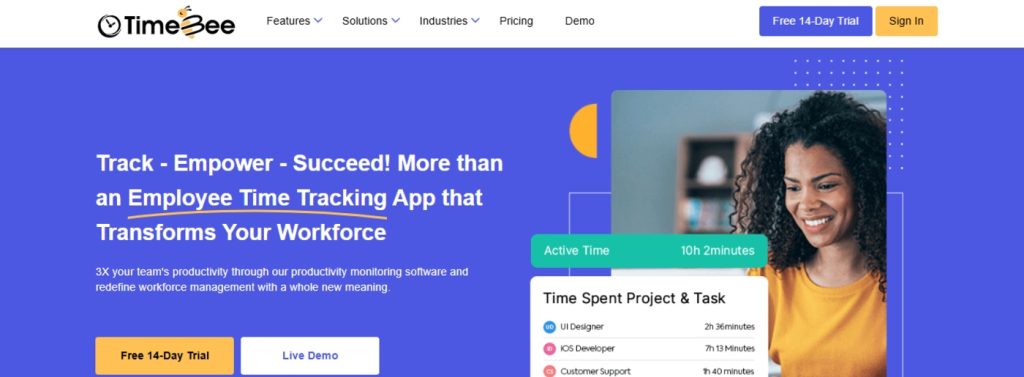

TimeBee employee time tracker is a flexible monitoring app designed for remote, hybrid, and on-site teams. Due to its minimal input requirement, employers around the world use the app for immediate insights into their employees’ overall work activity.
All users with the admin role can see the reports generated by TimeBee through its intuitive dashboard and make informed decisions accordingly. On the other hand, members can self-monitor for transparency and improved productivity. Overall, TimeBee is recognized for its diverse feature range and consistent tracking abilities, which we will look into.
Key Features
Time Tracking: Users can start the time tracker by selecting a project, its task, and then clicking the clock-in button.
Attendance Reports: As soon as the button is clicked, employees’ clock-in time is captured. Throughout their work hours, TimeBee keeps tracking time and then records the user’s clock-out time once they stop the timer. The time logs are further tagged as early leave, late arrival, short hours, etc., depending on pre-defined settings.
Idle Time Detection: When no mouse or keyboard activity is observed by the system, a distraction alert is sent to the specific user’s desktop to continue working. After a minute of no engagement with the pop-up, the app stops logging time.
Project Progress: Employees’ time is divided into projects and their specific tasks. By cumulating each user’s time recorded on a project, the total time spent on a project is logged and displayed for employers to see.
Web and App: All the websites and applications used by employees within an organization are logged on the dashboard. Employers can then rate them as productive, unproductive, neutral, or keep them unrated.
Activity Summary: Depending on the time spent by a user on various websites and applications, total hours are further categorized into productive, unproductive, and neutral time.
Screen Monitoring: Employers can set varying screenshot frequencies for each user, as needed, and monitor the screen activity. Alongside the screen capture, the overall keyboard and mouse activity of a user is also recorded against the set standards.
Offline Tracking: The app continues to track employee time and activity even without an active internet connection, which is particularly helpful for remote employees.
Payroll and Billing: TimeBee is also deemed the best time tracking software for remote teams because of its advanced features, like payroll and bill calculation. Using the overall recorded time of an employee and their specific internal rate, pay is automatically generated. On the other hand, for bill calculation, external rates and client-specific time logs of an employee are used.
Approvals: For added functionality and accuracy, users can also send manual time and leave requests directly from the dashboard. The assigned approver can then accept or reject the approval request as deemed fit.
Pros
Real-time Updates: All the recorded data is uploaded to the dashboard in real-time.
Ease of Use: TimeBee is easy to use; therefore, employees can use it without any training.
Customization: Organization and user settings can be changed based on specific needs.
Cons
Limited Trial: The free trial only has limited features.
Clockify
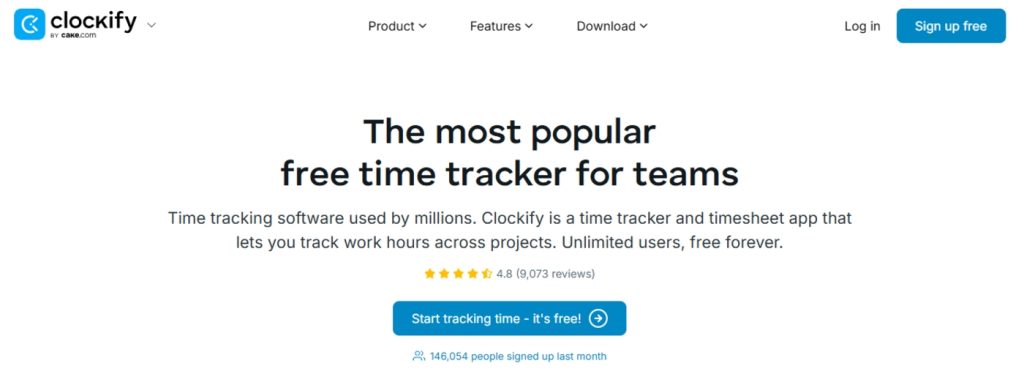
Clockify is best known as a free remote employee time tracking software. The app is designed to help remote teams track their hours accurately. But is it any good? Let’s see.
For starters, its interface is user-friendly, and using the tool does not require much training. However, while functionality-wise Clockify is good, it seems to lack in its feature range.
Key Features
Time Tracking: Employees can record their hours either with a stopwatch timer or manual data entries.
Categories: Employers can adjust settings and allow employees to record their time in different internal and external projects for proper insight into time utilization.
Custom Reports: Important recorded data is visualized using charts and tables for visibility at a glance.
Idle Detection: Employees receive a warning when their inactivity exceeds a specified time, and then their timer stops for accurate logs.
Integrations: Its browser extension or APIs can be used to integrate it with many work-related tools.
Mobile and Desktop Apps: Time tracking is supported through web, mobile, and desktop. Moreover, time can still be logged in offline mode.
Pros
Customer Support: Its customer support is highly praised for its timely responses.
Improved Productivity: By promoting accountability and transparency, employees get to work better on themselves.
Free Plan: No payment required for using basic features, which is a plus.
Cons
No Live Tracking: Real-time updates are not supported by Clockify.
Feature Limitation: More advanced features are either hidden behind a paywall or not available at all, like screenshots.
Time Doctor
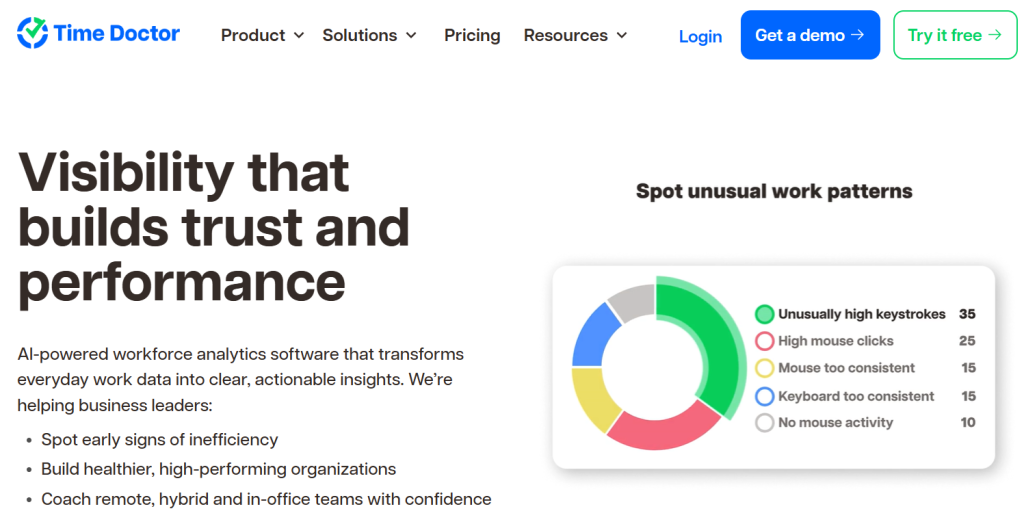

Time Doctor remote employee time tracking and productivity software
Time Doctor is widely recognized as a leading remote employee time tracking and productivity management tool. It’s designed to help distributed teams track work hours accurately while giving managers deeper visibility into how time is spent. But is it any good? Let’s take a look.
To start, its interface is intuitive, and teams can get onboarded quickly with minimal training. Unlike many basic time trackers, Time Doctor offers a robust suite of productivity features that cater to both small teams and large enterprises.
Key Features
- Time Tracking: Employees can log hours using an automated timer or manual inputs, ensuring accurate time records across tasks and projects.
- Productivity Insights: Time Doctor provides detailed analytics on how employees spend their time, including optional features like screenshots, website/app usage tracking, and distraction alerts.
- Project & Budget Management: Managers can allocate hours, set budgets, and monitor project progress to ensure teams stay on track.
- Comprehensive Reports: Visual reports display time usage, activity levels, and productivity patterns to help simplify performance evaluations and operational planning.
- Integrations: Time Doctor integrates with dozens of work tools, including Asana, Trello, Slack, Jira, and more, to keep workflows seamless.
- Mobile & Desktop Apps: Track time from desktop, mobile, or the web, with offline tracking available to ensure logs are never lost.
Pros
- Advanced Productivity Tools: Offers more insight than basic trackers, helping teams stay accountable and focused.
- Accurate Time Data: Strong monitoring and reporting features ensure precise tracking for billing and payroll.
- Broad Integration Support: Works with significant project management, communication, and CRM tools.
Cons
- Feature Complexity: Some advanced productivity tools may feel overwhelming for teams seeking only simple time tracking.
- Pricing: Full functionality is available only on paid plans, which may not suit teams with minimal budgets.
Toggl Track
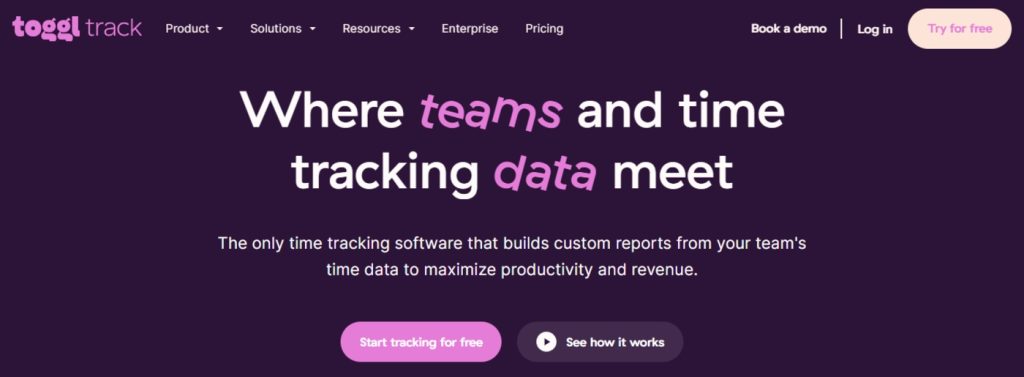
Toggl Track is another valuable option among remote workforce management software. While some people find it attractive for its 5-user free plan, others deem it useful for its scalability. Regardless of the reasons behind its use, Toggl Track shows up for remote teams.
However, the privacy concerns surrounding the app can be a negative factor and can result in more employee pushback.
Key Feature
One-Click Timer: Its simple timer allows users to start and stop task tracking easily from any device with a single click.
Dashboard Insights: Interactive reports provide crucial data on team activity and billable hours for enhanced insights.
Time Categories: Recorded time logs are divided into project and client-specific hours to ensure accurate billing.
Idle Time: After a specific period of employee inactivity, time is no longer recorded to avoid inaccuracies.
Integration: Toggl can be connected with other apps in use by a team to allow automated time logs.
Offline tracking: In case of internet loss, time logs are still recorded and synced later with the dashboard.
Billable Rates: Employers can customize each user’s hourly rate and pair it with recorded hours to send invoices to clients.
Pros
Essential Features: All basic features necessary to facilitate proper time tracking are available in Toggl Track.
Export Options: Data can be easily exported in various formats as required.
Cons
Intrusive Tracking: Some features offered can be deemed highly intrusive because employees’ autonomy is not respected.
Syncing Issues: Data syncing across devices can sometimes glitch, which can result in inaccurate data.
How to Implement a Remote Employee Time Tracking Software In 4 Easy Steps

By now, you might have selected a tool that you want to employ in your organization, but do you know how to implement it properly? Below, you will find all you need to know about the process. Even if it seems a bit tedious at first, you will save yourself time and unnecessary pushback in the long run.
Set Clear Policies
Establish simple guidelines for using time tracking. Decide how to log breaks, personal time, and overtime. For example, clarify that employees should pause the tracker during unrelated breaks. Further explain how the data will be used because fair policies and communication will help your team trust the process.
Train Your Team
Research by Mirador shows that 2 in 5 people struggle when new tools are introduced in the workplace. That is almost half your team feeling lost the moment you roll out fresh software. This makes training essential to help employees adapt smoothly. Show employees how to start/stop the timer, select tasks, and review their own time logs.
Explain the benefits of employee productivity tracking, like accurate pay and workload management. Along the way, you must also address any questions or concerns from your employee.
Integrate with Existing Tools
Before pushing the tool for employees’ use, you must integrate it with existing systems to streamline processes. For example, connect the tracker to your chat to send reminders, finance software, so hours flow into billing, etc. These integrations will not only reduce manual work but also help make adoption smoother.
Review and Adjust
After the trial period is over, review how time tracking is working. Look for any inconsistencies and inaccuracies in the recorded data. Then, request your team to give their honest opinion on the tool for identifying necessary adjustments.
But you should not end the process here. Even after months, you must regularly check in with employees and review the tool’s performance yourself.
Common Challenges & Solutions in Remote Time Tracking

But why do employers hesitate so much when using remote time trackers, even when 1 in 5 employees work from home? To be honest, there are a handful of reasons. For better understanding, you can read these common challenges and their possible solutions below.
Employee Resistance
It is natural for remote teams to feel like tracking is intrusive. To counter such concerns, you must remain transparent and communicate the goals of tracking openly. Ensure that your employees know that the purpose of an employee time tracker is not micromanagement.
Further involve employees in the decision-making process and keep the communication channels open for any concerns.
Data Overload
Time tracking can generate a lot of data. To avoid an overwhelming amount of reports, focus on key metrics like total hours per project. An easy solution is to use a dashboard that highlights only relevant information and offers archiving and filtering options.
Time Zone Differences
Teams working remotely span multiple time zones and tend to have varying schedules. In such cases, keeping up with each employee can become challenging. For this purpose, you need to choose a remote employee time tracking software that supports multiple time zones. With this functionality, you will be allowed to track in various zones and have clear documentation.
Internet Outages
Remote workers may lose internet access unexpectedly. Good tracking tools mitigate this with offline mode or local caching. For example, TimeBee and Toggl Track store entries offline and sync later when the connection is restored. But just in case of longer outages, you must encourage your employees to have a backup plan, like mobile data.
Distracted Employees
To avoid accountability, some remote employees simply clock in and scroll through social media – a behavior 74.7% of workers admit to, according to research by U.S. Career Institute.
For proper activity tracking, it is, therefore, important for your tracker to have distraction alerts and idle time detection. With the time only getting logged while employees are actively working, there are fewer chances of time theft.
Tips to Improve Remote Team Productivity Using Time Tracking Tools
Let’s explore how to maximize the benefits of remote workforce management software with some useful tips at hand.
Use Data to Assign Tasks Strategically
Time trackers can be particularly useful to balance workloads by analyzing the tracked hours. To do so, recognize if one person consistently finishes tasks faster and instead give them more tasks or other challenging projects. On the other hand, if someone else is overloaded, simply redistribute tasks.
Encourage Breaks and Work-Life Balance
Using an employee time tracker, monitor total logged hours to prevent burnout. Further encourage your employees to use techniques like the Pomodoro method to keep focus high. Plus, don’t shy away from celebrating when your team follows healthy schedules, as this emphasizes that the goal is steady productivity, not nonstop grind.
Set Goals and Reward Achievements
You should also turn tracked data into positive motivation. Set clear goals and ask your team to meet them. If the goals are achieved, celebrate their success through public recognition, a small bonus, or a team treat. You can even gamify this using reward points for logging certain milestones.
Hold Regular Productivity Check-Ins
However, even with the best time tracking software for remote teams at hand, its use alone cannot be enough. Managers need to proactively engage with the provided reports and observe each employee’s activity. The collected insights should then be discussed with concerned employees for maximum output.
Summing It Up: Monitoring Remote Employees for Enhanced Productivity
No matter the remote employee time tracking software you choose to use, the key is to ensure that it promotes transparency and self-awareness.
Its failure to do so can probably be a sign for you to rethink your approach, whether that means replacing the tool or improving its implementation. The choice is yours, just like it is always your call when it comes to revamping your website.
But we understand that just like monitoring tools, finding a trusted source to help you polish your website is no easy feat to pull. So, where do you go? Instead of spending countless hours trying to figure it all out on your own, why not turn to MotoCMS? With expertise in building professional websites, MotoCMS makes it easier to strengthen both your workflow and your brand image.
Still not convinced? Start a free trial or explore our templates for yourself.