

Businesses share many PDFs with clients every day. These files include business proposals, contracts, reports and other digital documents. Most of them hold sensitive details. Once you send a file you lose control over how someone uses it. Someone may copy it, forward it or claim it as their own. That risk makes document security very important when you work with clients.
Many people look for a simple way to protect client documents before sharing them. A PDF watermark gives that extra layer of protection. You can place text like “Confidential”, “Draft”, or your company name on the file. It shows ownership and warns others not to misuse the document.
This post explains how PDF watermark protection works and why it helps protect PDF files before sharing them with clients. You will also see some free PDF watermark tools that make watermarking quick and easy. At the end, you will know a simple way to keep client documents safer when sending proposals, contracts, and other files.
What Is a PDF Watermark
A PDF watermark is a visible mark placed on a document page. It could be text, a logo, or a symbol placed behind or over the text. An individual may use a watermark for a PDF file to indicate ownership of the document or to warn other people about how they should use the file. Most business organizations use a watermark to mark a PDF file before they send it to their clients. This helps to secure the document and indicates to the clients that the document belongs to a particular person or group of people.
The watermark appears lightly on the page. It does not block the text but still stays visible. Many documents use a transparent watermark so the content remains easy to read. This method helps protect client documents while keeping the file professional.
Best Free PDF Watermark Tools
There are many free tools online that let you add watermarks to PDF files. These tools help you protect client documents quickly without needing expensive software. They work in browsers, are easy to use, and let you add text or logo watermarks in minutes.
Watermarkly


You can easily add a watermark to your PDF using Watermarkly. It has a simple interface and works in your browser.
Key features:
- Add text or logo watermark
- Batch watermark multiple files
- Adjust opacity and placement
- No software installation needed
Best for: Businesses or freelancers who want fast and easy watermarking for many files
PDF Candy
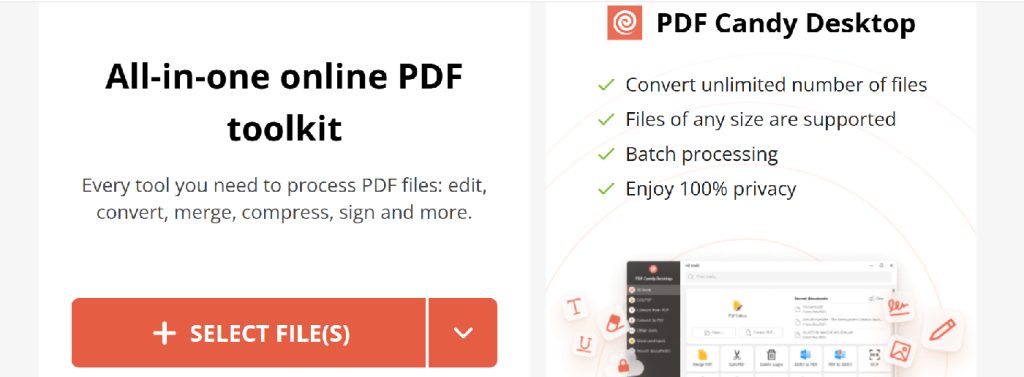
PDF Candy is a free online PDF editor with watermarking features.
Key features:
- Add text or image watermark
- Customize position and transparency
- Works directly in browser
Best for: Quick watermarking for single or few PDF files
iLovePDF
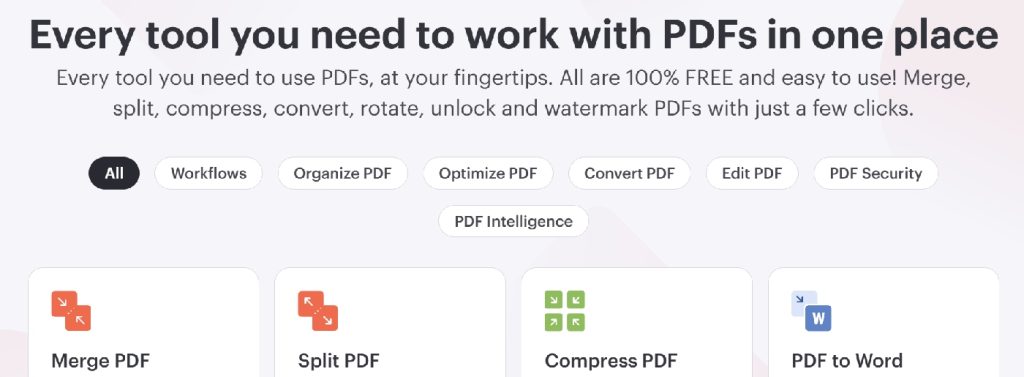
iLovePDF lets you watermark PDFs online for free.
Key features:
- Add text and logo watermarks
- Batch process files
- Simple interface and drag-and-drop support
Best for: Teams that need simple, browser-based watermarking
Smallpdf
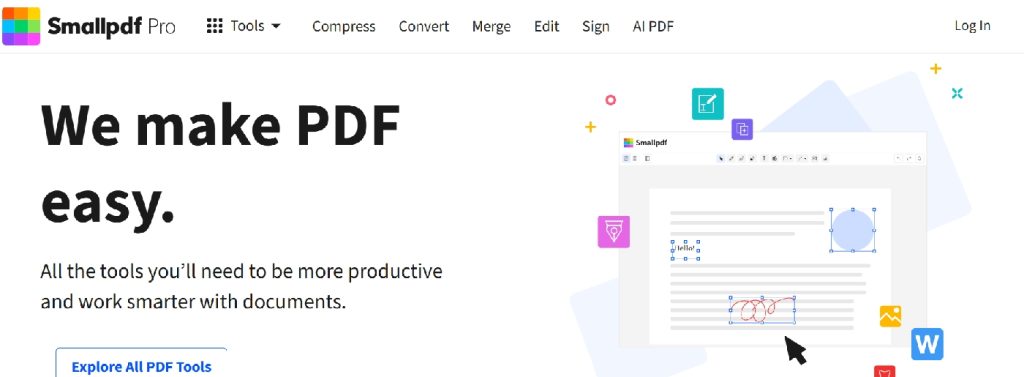
Smallpdf is an online PDF editor with multiple tools including watermarking.
Key features:
- Text and image watermark
- Adjust opacity and placement
- Works on Windows, Mac, or mobile browsers
Best for: Users who want an easy online tool without installing software
PDF24 Tools
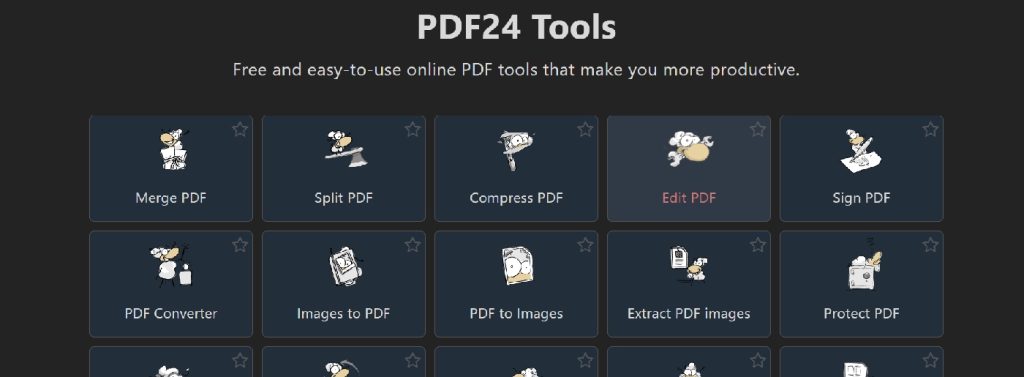
PDF24 Tools is a free PDF editor that runs in the browser.
Key features:
- Add text or image watermark
- Batch watermark files
- No account or installation required
Best for: Individuals or small teams needing quick PDF watermarking online
These tools let you protect PDF files, show ownership, and maintain a professional look without extra cost.
Why Watermarking Is Important for Client Documents
Client files can easily be copied or shared without permission. Watermarking helps stop that. It makes sure anyone opening the document knows it is sensitive and belongs to you. This is important for preventing document misuse or securing client files.
Watermarking is one of the PDF watermark tools used to manage and organize the document. It is easier to identify the drafts from the final versions. It is used to add more sense while sharing the document.
Other benefits of watermarking include:
- Proof of ownership: shows who created the file.
- Copying prevention: a visible mark discourages people from reusing content.
- Brand visibility: logo or text watermark keeps your company recognizable.
- Confidential marking: signals sensitive information inside the file.
- Draft identification: separates unfinished files from final versions.
This way, watermarking keeps client documents safe and makes managing files easier without blocking normal use.
Common Situations Where Businesses Use Watermarked PDFs
Many businesses use watermarked PDFs in daily work. It helps organize files and show their purpose without changing the content. Watermarking is not only for security but also for clear communication. Different document types need different marks depending on their use.
Here are common situations where businesses add watermarks to PDFs:
| Document Type | Why Watermark Used |
| Client Proposal | Mark as draft before final approval |
| Contract | Label as confidential to protect legal terms |
| Invoice PDF | Show payment status or company info |
| Internal Report | Mark for internal use only, not for sharing outside |
| Freelance Proposal | Identify ownership and prevent copying |
| Financial Report | Add copyright or company logo for data protection |
The use of watermarks in such a way helps in organizing the files in a professional manner. It also helps in understanding the use of the document at a glance for the sender as well as the receiver.
In some cases, businesses also create visual labels for documents such as “Draft” or “Confidential” when sharing previews online. Instead of plain text, these labels can be turned into simple branded graphics using Brat Generator, which helps make document status clear while keeping the presentation professional.
Key Features to Look for in a PDF Watermark Tool
All PDF watermarking tools are not the same. The right tool can help you save time and protect your PDFs more effectively. Best PDF watermark tools should enable you to customize the look, position, and application of the PDF watermark. It should also offer you security and be device-independent.
Important features to look for include:
- Text watermark support: lets you add words like “Confidential” or “Draft” easily.
- Logo watermark support: allows adding your company logo on every page.
- Opacity control: adjust how light or dark the watermark appears so it does not block content.
- Placement control: place the watermark anywhere on the page, like center, corner, or diagonal.
- Batch watermarking: apply watermark to many files at once, saving time.
- Browser-based processing: work directly online without installing software.
- File privacy: ensures your documents are safe while using the tool.
Using PDF watermark tools with these features makes watermarking faster, more flexible, and more secure for all client documents.
How to Add a Watermark to a PDF
Adding a watermark to a PDF is simple and fast. You do not need special software. Most free online tools let you do it in a few steps. Here is how you can watermark PDF online:
- Upload PDF
Open the online tool and upload your PDF file. Make sure the file is correct and complete. - Choose watermark type
Decide if you want a text watermark like “Confidential” or a logo watermark with your company logo. - Customize watermark
Adjust the position, size, and opacity of the watermark. You can place it in the center, corner, or diagonal. - Preview file
Check how the watermark looks on each page. Make sure it does not block important text. - Download PDF
Save the watermarked PDF to your device. Now it’s ready to share with clients safely.
Best Practices for Watermarking Client Documents
Watermarking client documents works best when done carefully. The goal is to protect files without making them hard to read. Following some simple practices can make your watermarks effective and professional.
- Set opacity to 30–50 percent
Keep the watermark light so the main content is easy to read but still visible. - Use diagonal placement
Placing the watermark diagonally makes it harder to remove and stands out more. - Avoid covering important text
Make sure the watermark does not block key information in the document. - Include your company logo
Adding a logo shows ownership and improves branding on every page. - Apply watermark on every page
Don’t watermark only the first page. Every page should show the mark for better protection.
Using these practices keeps client documents secure and professional while making it clear that the files belong to you.
Common Mistakes to Avoid When Watermarking PDFs
Watermarking helps protect your documents, but many people make simple mistakes that reduce its usefulness. Avoiding these mistakes keeps your files safe, professional, and easy to read.
- Watermark too dark
A very dark watermark can cover the text and make it hard to read. Keep it light enough to be visible but not distracting. - Watermark too small
If the watermark is tiny, people may ignore it or remove it easily. Make it large enough to show ownership clearly. - Wrong placement
Placing the watermark over important text, numbers, or images can block key information. Put it in a spot where it is visible but does not hide important content. - Watermark only on the first page
Adding a watermark to just one page leaves the rest of the document unprotected. Apply it to every page to keep the file secure. - Low-resolution logo
A blurry or pixelated logo looks unprofessional and weakens the watermark. Always use a clear, high-quality logo for branding and protection.
By avoiding these mistakes, you make sure your watermark protects your PDF, keeps your content readable, and maintains a professional appearance for clients.
Watermark vs Password Protection
When you share PDF files you can protect them in different ways. Two common methods are watermarking and password protection. Both help secure documents but they work differently. Watermarks show ownership while passwords restrict access. Sometimes using both together gives the best protection.
| Method | Purpose | Best Use Case |
| Watermark | Shows ownership and warns against copying | When you share files publicly or with clients but want them readable |
| Password | Restricts access to only people with password | When the file contains very sensitive data and should not be opened by anyone else |
| Both combined | Adds visible ownership and limits access | For highly confidential documents shared with selected clients or teams |
Using the right method depends on your goal. If you want people to see the document but not misuse it, a watermark works well. If you need strict access control, use a password. For maximum security combine both methods.
Final Words
Watermarking is a simple way to protect PDF documents. It shows ownership, marks confidential files, and helps prevent misuse. You don’t need complicated software to do it, and it works for almost any type of client document.
Many easy, free PDF watermarking tools are available for quick watermarking. Both businesses and freelancers can use them to secure PDF sharing and keep their files safe. Using watermarks regularly makes digital file security simple and effective.
Feel free to check our article on PDF Editing Websites to get some tips and tricks you should know.
FAQs
What is a PDF watermark?
A PDF watermark is a text or logo added to a document to show ownership or mark it as confidential. It helps prevent misuse.
Why should I watermark my client documents?
Watermarking shows who owns the document. It warns others not to copy, share, or use it without permission.
Can I add a watermark for free?
Yes. Many free online tools let you add text or logo watermarks without installing software.
Can I watermark multiple PDFs at once?
Some PDF watermark tools allow batch watermarking. You can mark many files in one go, which saves time.
Will a watermark cover my text?
Not if you set it right. Use light opacity and proper placement so your content stays readable.
Can I add my company logo as a watermark?
Yes. Most tools let you use image or logo watermarks to show ownership and improve branding.
Does watermarking make my PDF completely secure?
No. Watermarking shows ownership but does not encrypt the file. It works best combined with other security measures if needed.
Should I watermark all pages of my document?
Yes. Apply the watermark on every page to make sure the whole document is protected and clear about ownership.
Can I remove a watermark later?
Some PDF watermark tools allow it, but once shared, others may see it. Use watermarking as a preventive measure, not full protection.
Which type of watermark is better: text or logo?
Both have their use. Text is simple and clear. Logo improves branding. Many people use both together for stronger protection.