

Managing visitors isn’t about sign-in sheets and reception desks anymore. Organizations need smarter, cloud-based solutions that handle real-time tracking, boost security, and create smooth check-ins. Cloud-based kiosk visitor management systems do exactly this.
They come with self-service kiosks, instant notifications, and centralized dashboards. You monitor visitor flow easily while keeping operations efficient and secure.
In this blog, we’ll look at eight top cloud-based kiosk visitor management systems that help businesses stay organized, meet compliance requirements, and give visitors a better experience.
Top 8 Cloud-Based Kiosk Visitor Management Systems
Cloud-based kiosk visitor management systems help organizations streamline check-ins, improve visibility, and track visitor activity in real time. Here are eight of the best solutions that balance ease of use with powerful tracking features.
1. Qminder
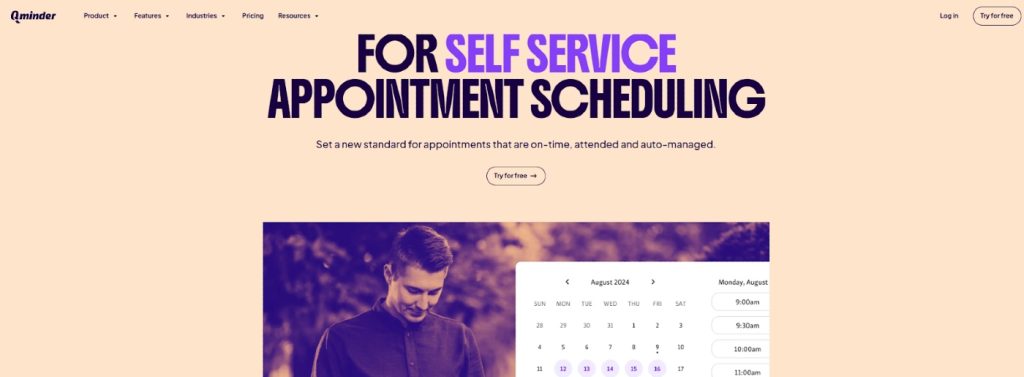

Visitor Management Systems like Qminder are cloud-based visitor check-in kiosk systems that simplify managing foot traffic. Works great for clinics, offices, and public service buildings. Guests sign in through a touchscreen kiosk, their phone, or online before they arrive. After check-in, visitors get real-time updates about their place in line. Less confusion, less stress about waiting.
The system gives you a centralized dashboard to see who’s waiting, how long they’ve been there, and how each location performs. With solid reporting and multi-location support, Qminder fits organizations that want better visitor flow and service efficiency.
Key Features:
- Touchscreen kiosk, mobile, or browser-based check-ins
- Real-time SMS or app notifications for queue updates
- Multi-location management with a central dashboard
- Wait time and service duration tracking
- Custom reporting to spot and fix bottlenecks
- Integrations with existing business systems
Pros:
- Both visitors and staff find it simple
- Analytics and reporting tools that actually help
- Scales well across multiple locations
Cons:
- Might be overkill for small offices
Pricing: Free 14-day trial available. Paid plans start at $389/month.
2. Qmatic
Qmatic is a cloud-based self-service kiosk system made for DMVs and busy public offices that need serious queue management. Visitors check in online or at a kiosk with QR codes or links. They get real-time updates through digital displays or their phones.
The system handles both appointments and walk-ins. Its virtual queuing lets visitors wait somewhere else and come back when it’s their turn. Built for big operations, Qmatic routes priority cases, urgent situations or elderly visitors, to get faster service. Everything stays organized even when it’s busy.
Key Features:
- Web and kiosk check-ins with virtual ticket generation
- Live queue updates on digital displays and mobile alerts
- Priority handling for urgent cases or elderly visitors
- Centralized dashboard and analytics to monitor service flow
- Connects smoothly with DMV and municipal systems
Pros:
- Handles everything from check-in to service completion
- Analytics that help you fix workflows and cut wait times
Cons:
- Takes technical know-how to set up properly
- Admin tools confuse non-technical staff
Pricing: Custom pricing available upon request.
3. Qtrac
Qtrac is a cloud-based patient queuing system for hospitals and big healthcare facilities that need to manage complex patient flows. It handles pre-scheduled appointments, walk-ins, and virtual check-ins. Patients join queues through SMS, QR codes, or kiosks. After check-in, they track their status without sitting in packed lobbies. Safer and more comfortable for everyone.
The system really shines in multi-department hospitals where patients move between different areas. With queue re-routing and greeter mode, staff directs patients quickly while keeping wait times under control.
Key Features:
- Queue re-routing moves patients between departments smoothly
- Automated alerts when wait times go over set limits
- Greeter mode for pre-screening and assigning patients at check-in
- Offline mode keeps queues moving during internet outages
- Centralized dashboard for facilities with multiple locations or entry points
Pros:
- Manages complex hospital layouts with many service points
- Front-desk staff can redirect patients on the spot
Cons:
- Greeter workflows need extra staff training
- Offline mode doesn’t do everything and syncing can lag
Pricing: Custom pricing available on request.
4. Qwaiting
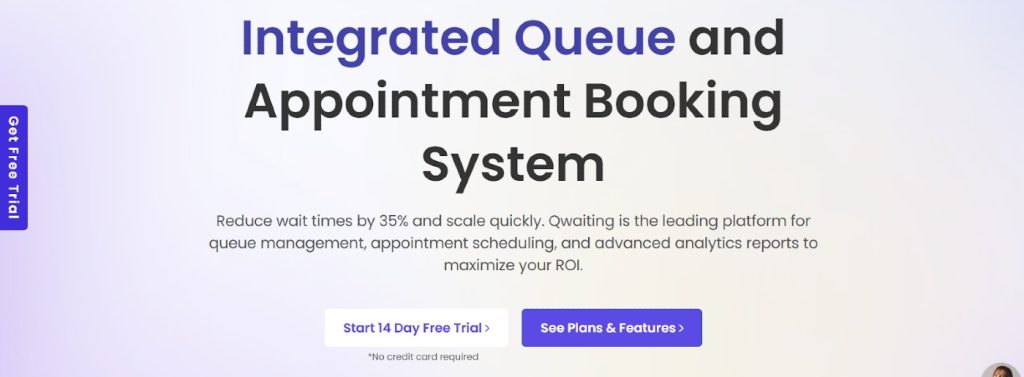
Qwaiting is a cloud-based patient queue management system popular across Asia, designed to streamline hospital and clinic operations. Patients can check in through kiosks, mobile devices, or the web, either remotely or on-site. Real-time notifications are sent via SMS, WhatsApp, or email, helping patients stay updated without waiting around.
The platform eliminates paper tokens and offers staff complete visibility into queue activity. It supports token generation, keypad operations, and multilingual interfaces for smoother patient interactions.
Key Features:
- Integrated appointment booking and virtual queuing
- Staff can call patients using desktops or keypads
- Digital signage and displays show live queue status
- Multi-language support with branding options
- Cloud-based access across multiple locations
Pros:
- Easy-to-use interface for both staff and patients
- Detailed reporting helps improve patient flow management
Cons:
- Customization options limited in some plans
- Mobile interface can feel slow during peak usage
Pricing: Available upon request.
5. Wavetec
Wavetec delivers a complete hospital queuing system that brings together appointment scheduling, queue management, and patient feedback. Patients check in through kiosks, web booking, or WhatsApp. Digital signage keeps them informed during their visit. Hospitals use it to clear out reception areas and track every step patients take.
Key Features:
- WhatsApp booking and check-in makes patient engagement easier
- Interactive digital signage with live queue updates
- Post-visit feedback through SMS or WhatsApp
- Self-service kiosks handle billing, printing, and information
- Dashboards show patient satisfaction and service gaps
Pros:
- Multi-channel check-ins improve patient flow
- Queuing and feedback work together on one platform
Cons:
- Kiosk setup across departments takes coordination
- Feedback module setup can slow down the initial launch
Pricing: Available on request.
6. Qnomy
Qnomy is a complete visitor management and kiosk software for busy healthcare facilities that need total control over patient flow. It runs the whole patient journey – from booking appointments to routing workflows internally. Front-desk and back-office operations stay coordinated. Patients check in through kiosks, mobile apps, or virtual lobbies. Staff prioritizes and directs them based on service type, urgency, or who’s available.
Key Features:
- End-to-end patient journey management
- Skill-based routing connects visitors with the right staff
- Multi-service scheduling through one portal
- Custom workflows that match hospital processes
- Omnichannel tracking – kiosks, chat, and video
Pros:
- Works well in complex healthcare facilities with many departments
- Customizable without needing heavy technical skills
Cons:
- Getting started takes time and guidance
- Teams used to basic tools might find it overwhelming
Pricing: Available on request.
7. Leyline

Leyline is a patient queuing software designed to keep hospital operations smooth while simplifying the patient experience. Patients can join the queue or book appointments via mobile before arriving, and branded kiosks guide them to the correct service on-site. This system provides clear visibility for both staff and patients, reducing wait-time frustration and improving overall service flow.
Key Features:
- One-ticket system tracking the full patient journey across departments
- Cloud-based access requiring no local infrastructure
- Kiosk and mobile check-in with real-time updates
- Custom alerts and reminders at each stage
- Tailored dashboards and queue analytics per location or service line
Pros:
- Organizes queues effectively even in complex, multi-service hospitals
- Supports both virtual and physical queues in the same system
Cons:
- Frequent system updates may require adjustments
- Advanced signage features can be tricky to customize
Pricing: Starts at €80/month
8. Qmagic
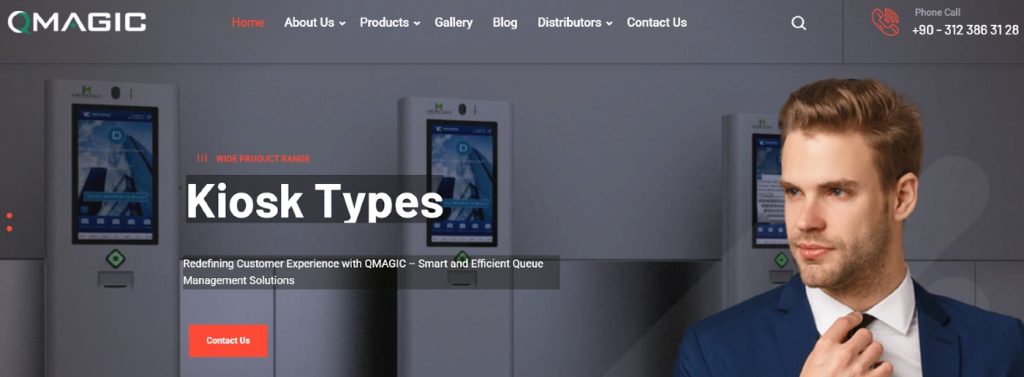
Qmagic is patient queuing software with a digital-first approach. Hospitals use it to manage walk-ins, scheduled appointments, and service flow from one platform. Self-service kiosks and display units give patients real-time queue updates. The hospital experience gets easier to navigate. Patients, front-desk staff, and administrators all find it simple to use.
Key Features:
- Central control panel manages check-ins, ticketing, and queue status
- Multi-screen displays at service counters and for announcements
- Kiosk and online check-in with printed or digital tickets
- Customizable workflows for different departments and patient paths
- Cloud-based performance reports and analytics
Pros:
- Visual tools make the patient experience better inside the hospital
- Deploy it for multiple departments or single counters
Cons:
- You need kiosks and display units for everything to work
- Hospital-specific workflows might need setup help
Pricing: Available on request.
Conclusion
Efficient visitor management relies on modern cloud solutions to streamline check-ins, reduce wait times, and enhance the visitor experience. Many systems also integrate seamlessly with broader business tools. For insights on improving operations, including CRM and website management, check out this MotoCMS guide to cloud-based CRM and business website builders. Solutions like Qminder, Qmatic, Qwaiting, Qtrac, Wavetec, Qnomy, Leyline, and Qmagic help staff manage busy environments while providing real-time notifications, mobile and kiosk check-ins, virtual queuing, and detailed analytics.
FAQs
How does real-time visitor tracking work in these systems?
Visitors check in through kiosks, mobile apps, or web portals. The system instantly updates where they stand, staff and visitors both see the queue position or appointment status right away.
Is the internet required for a kiosk visitor management system to work?
Yes, cloud-based systems need an internet to sync data, send real-time updates, and let you manage things remotely. Some systems work partially offline, but you need connectivity for all features.
Are cloud-based systems secure for storing visitor data?
Yes, they use encryption, access controls, and follow GDPR practices to protect personal information. Data sits on secure servers with backups and regular security checks.
What hardware is needed for a kiosk setup?
You’ll need a touchscreen kiosk or tablet, maybe a receipt printer, digital displays for queue status, and solid internet. Mobile or web check-ins cut down on how much hardware you need.